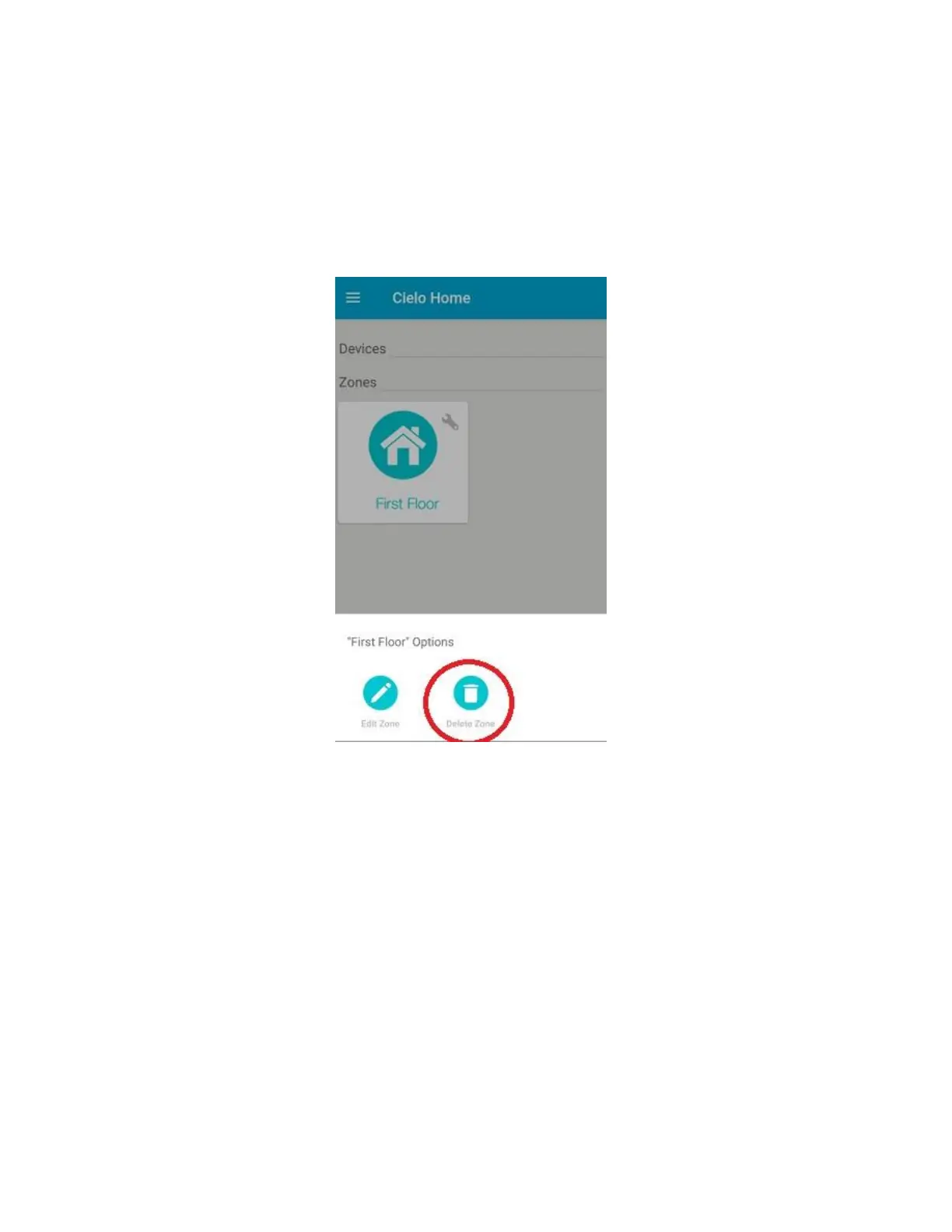
Step 14a: Editing/Deleting a Zone (for Android Users)
To edit the name and Zone icon of your desired zone, select the "wrench symbol" of the Zone and press
"Edit Zone". Change the icon and name of the Zone as per your choice and press "Save".
To delete a Zone, you have to remove all the devices inside that zone first. Cielo Home App will not allow
you to delete a certain Zone unless all the devices from the Zone have been removed. After you have
removed all the devices from the Zone, press the "wrench symbol" of the Zone you want to delete. Press
"Delete Zone", and Cielo Home App will delete the zone automatcially.



 To Next Page