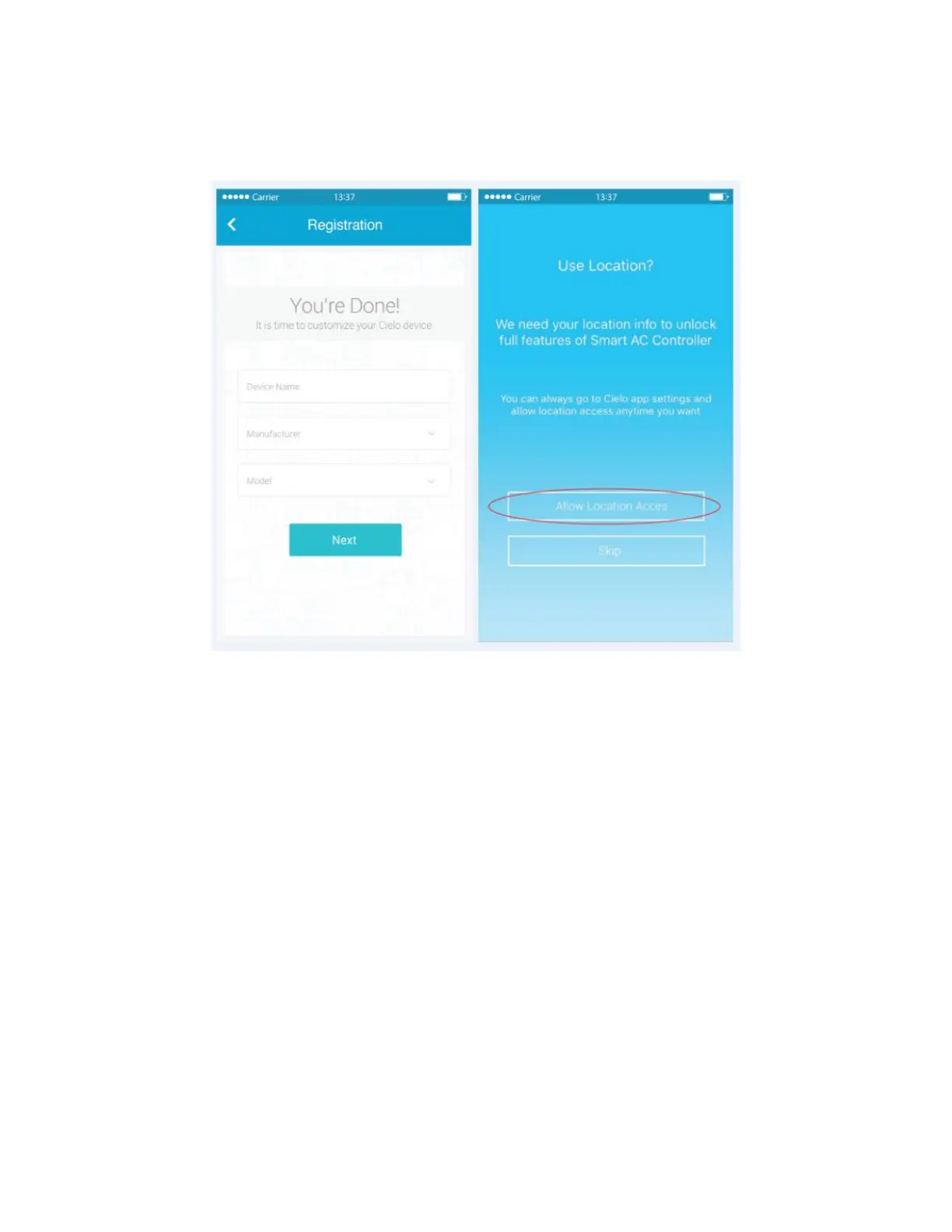
• Next, carefully select "manufacturer" and "remote model number" from respective drop down list. (The
remote model number is usually found at the back of remote controller.)
• In the next screen, “Allow Location Access’ for enhanced functionality. (You may turn OFF Location
Access after successful registration of the device to stop extra usage of your smartphone's battery)
• Your registration process is complete. Cielo Breez will appear on your home screen.
Step 3b: Register Cielo Breez - for Android Users
Breez registration process is meant to connect the smart controller to your home Wi-Fi network through mobile app.
To begin registration:
• Open 'Cielo Home App'
• Tap on "+" in the Home Screen and press 'Wi-Fi settings'’ in the next screen
• Connect to the Wi-Fi that starts with Cielo_BE01_XXXXXX



 To Next Page