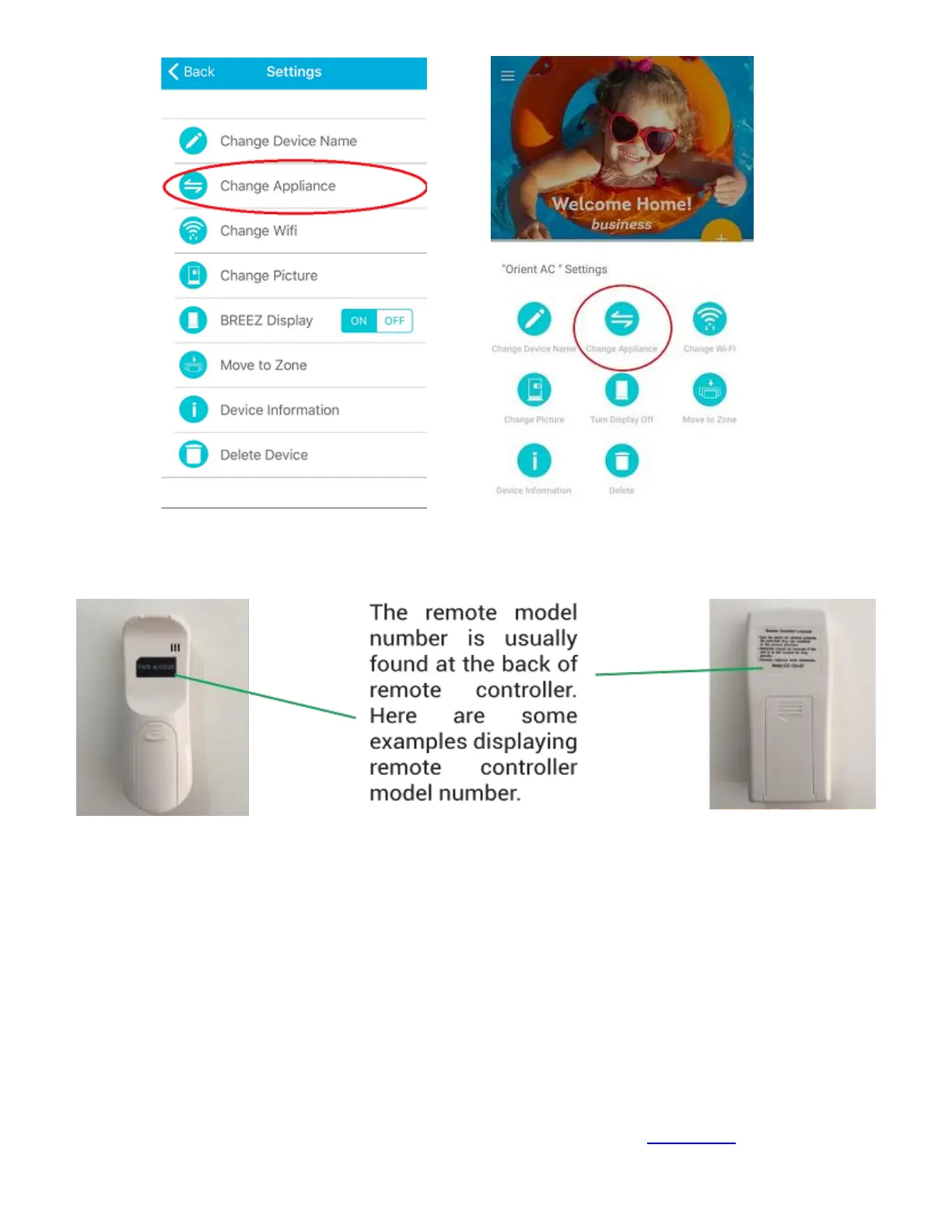
Note: The remote model number is usually found at the back of remote controller. Here are some
pictures displaying remote controller model number.
Step 4a: Your Home screen
Your home screen shows the real-time status of all your connected Cielo smart devices. If you have only
one Breez Smart Controller, a single device will be displayed.
A connected Breez-Smart Controller displays 3 types of status, shown as outlined circles.
Green- Device in online.
Red- Device is offline.
(Note: in case Breez is not appearing online, please refer to the Troubleshooting section.
Grey with a warning sign - Device is already registered with another user. (Contact Us in this case)



 To Next Page