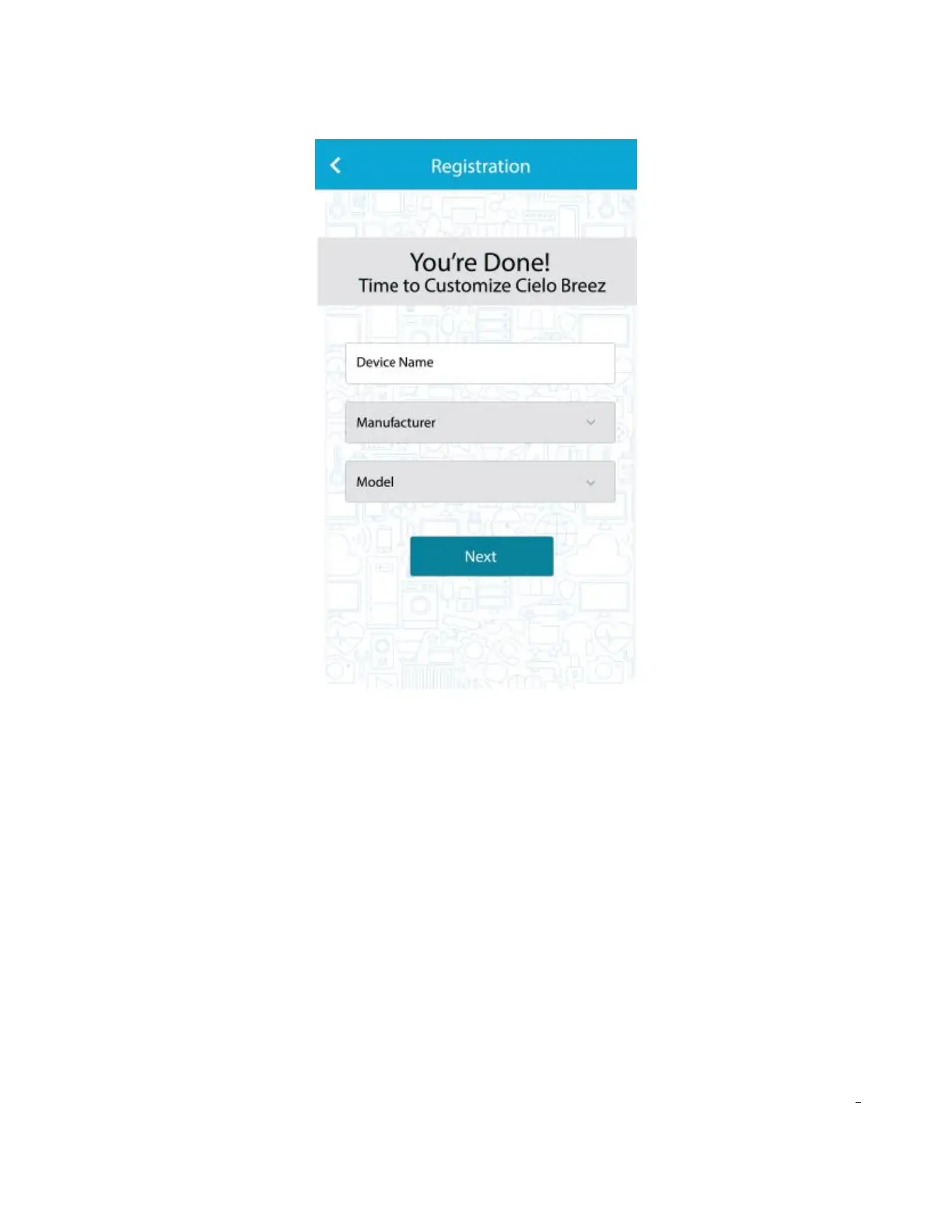
• In the next screen, “Allow Location Access’ for enhanced functionality. (You may turn OFF Location
Access after successful registration of the device to stop extra usage of your smartphone's battery)
• Your registration process is complete. Cielo Breez will appear on your home screen.
Note: There may be a case where your Android Smartphone will be unable to connect with the Cielo
Breez Wi-Fi network. To register Cielo Breez successfully, go to your smartphone Wi-FI settings and
"Forget" the Cielo Breez Wi-FI network. Open Cielo Home App again and register the Device as
mentioned in Step 3b.
Quick tip: Finding the right model of AC/Heat Pump
If you have selected a remote model for your air-conditioner/heat Pump in registration process but
Breez is NOT working with your air conditioner/heat pump, adopt the following procedure.
1. On your home screen in Cielo Home app, go to device settings by tapping "wrench symbol" on the
registered device (for both android & iOS users).
2. In the device settings, go to "Change Appliance" and change the remote model.
3. Repeat the process if your air-conditioner/heat pump still does not work with Breez.
4. If you are finding difficulty in locating your remote control, you can visit remotes.cielowigle.com.



 To Next Page