10
8.2.-
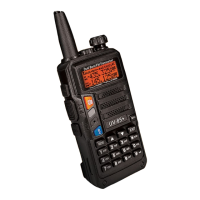
COMMAND/KEY DEFINITION:
► [P'ITJ(PUSH-TO-TALK):
Press and hold down the [P'ITJ button to transmit;
release it to receive.
► SK-SIDE KEYI/JCALLJ:
- Press the (CALL) button,to activate the FM Radio;Press it again to deactivate the FM Radio.
-
Press and hold on the (CALL)button,to activate the alarm function; PTess
and
bold it agaln,to deactivate
the alarm function.
► SK-SIDE KEY2/)MONI]:
-Press the [MONI] button,to turn on the flashlight;Press it again to turn off.Press and hold on the (MON[]
button,to monitor the signal.
►JVFO/MRJBUTTON:
-Press the (VFO/MR) button,to switch the frequency mode and
channel mode.
►JA/BJBUTTON:
-Press the (A/BJ button,to switch frequency display.
►JBANDJBUTTON:
-Press the fBANDJbutton,to switch band dispaly.
-While FM radio being activated,press the [BAND)button to switch the band of FM radio(band 6S- 7SMllvi6-
108MHz).
►J*SCANJKEY:
-Press the [*SCAN) key to activate the Reverse function,it will exchange a separate reception and
transmission frequency.
•Press the (*SCAN] key for 2 seconds to start scanning(frequency/channel).
• While FM radio being activated,press the
l*SCAN]
key to search FM radio station.
•While setting the RX CTCSS/DCS, press the key (*SCAN] to scan the RX CTCSS/DCS.
►J#.,..o)KEY:
•Under channel mode, press [#rr<>I key to switch ffigb/Low transmit power.
•Press (#rr<>J key for 2 seconds to lock/uolock the keypad.
►FUNCTION
KEYPAD:
-JMENU)key:
• To enter the menu of the
radio
and confirm the setting.
-l•ll•lkey:
•Press and bold [A)or(A)key for frequency up or down fast.
•Press (A)or[A ]key,the scanning will be opposite.
-)EXIT)key:
•
To cancel /clear
or
nit.
►NUMERIC KEYPAD:
•Used to
enter information for programming the radio's lists and the non•
standard
CTCSS
•Under transmission mode, press the numeric key to send the signal code(the
code
should be set by PC
software).
a sum a
CD 0\3 C!J.:lUlil
m a m
111:)
► ACCESSORY
JACK:
• The jack
is
used to connect audio
accessories,
or other accessories such as programming cable.
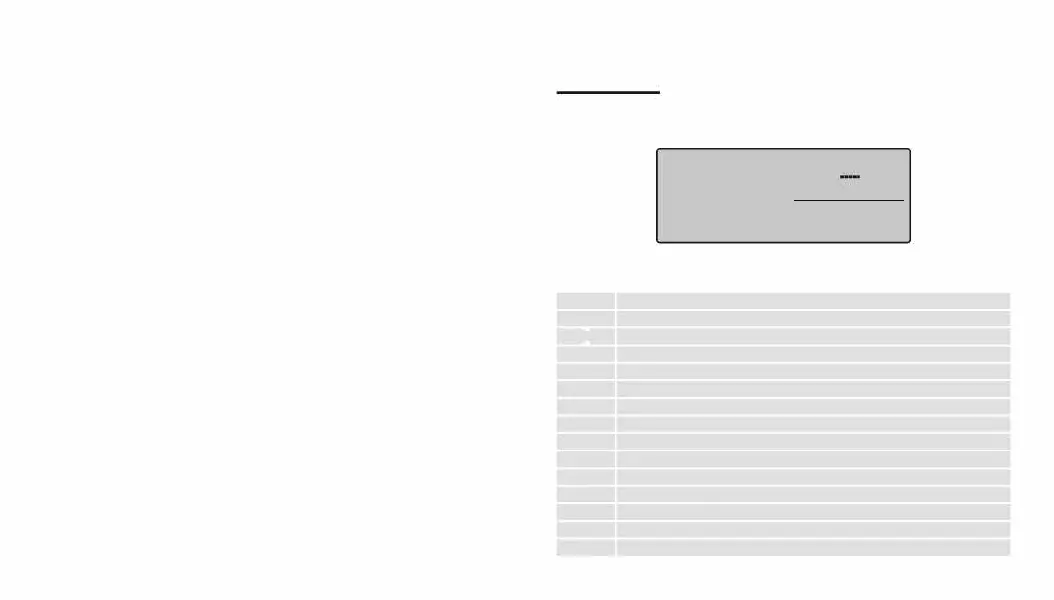
9.-'LCD' DISPLAY:
The display
icons
appear when certain operations
or
specific features are activated.
Icon
188
CT
DCS
+-
s
vox
R
N
KE
A
L
.......
T.,,11
T..111
LDS
vox+-RNBi(]-{)c:::ibE
CT
""'4• -=:4•
-::••-:1i-l75:ss
DCS
•-■-
■
■-
I
•
.:_•-
25 • *
5T2T
14
C"I
1
·-::•C".
1s
:s s
DTMF
'Y
•-
■
■-■-
•-
25 • *
Description
Operating channel.
Operating frequency.
'CTCSS' activated.
'DCS' activated.
Frequency offset direction for accessing repeaters.
Dual Watch/Dual
Reception
functions activated.
Function 'VOX' enabled.
Reverse function activated.
Wide Band selected.
Battery Level indicator
Keypad lock function activated.
Low transmit power.
Operation frequency.
Signal Strength Level
II


 To Next Page