- 34 -
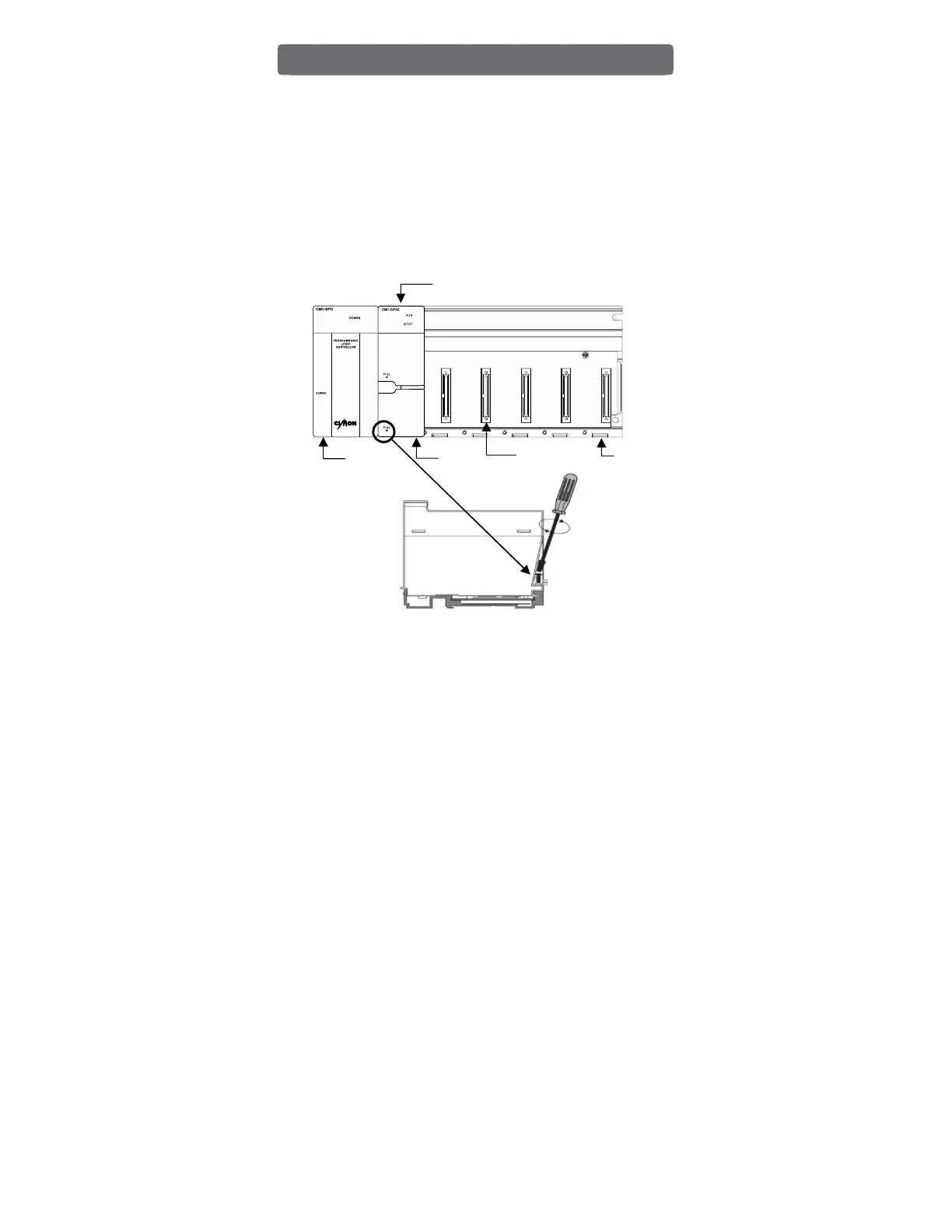
1. When installing the module, mount the upper side of the module at the top of the base
first.
And push down the bottom side of the module until it clicks.
2. Then, tighten the screw at the bottom of the module to avoid falling out of the slot in
case of vibration or shock.
3. Place the power module on the leftmost slot of the base, and then place the CPU module
on the next slot. The position of the power module and CPU module are marked on the
base. If you place modules in the wrong slot, the module will not be fully attached.
4. Supporting Modules are as follows:
1) Power Module: CM1-SPA, CM1-SPC, CM1-SP2B, CM1-SPW
* Power redundancy system: Only CM1-SPR (Power module), CM1-XP1R (CPU Module)
2) Base Modules: CM1-BS03A/04A/05A/08A/10A/12A
* Power redundancy system: Only CM1-BS05S/08S/10S
Installation
Extension Module Slot
CPU Module
Place the upper side first.
Base



 To Next Page