83
Raption Series User Manual
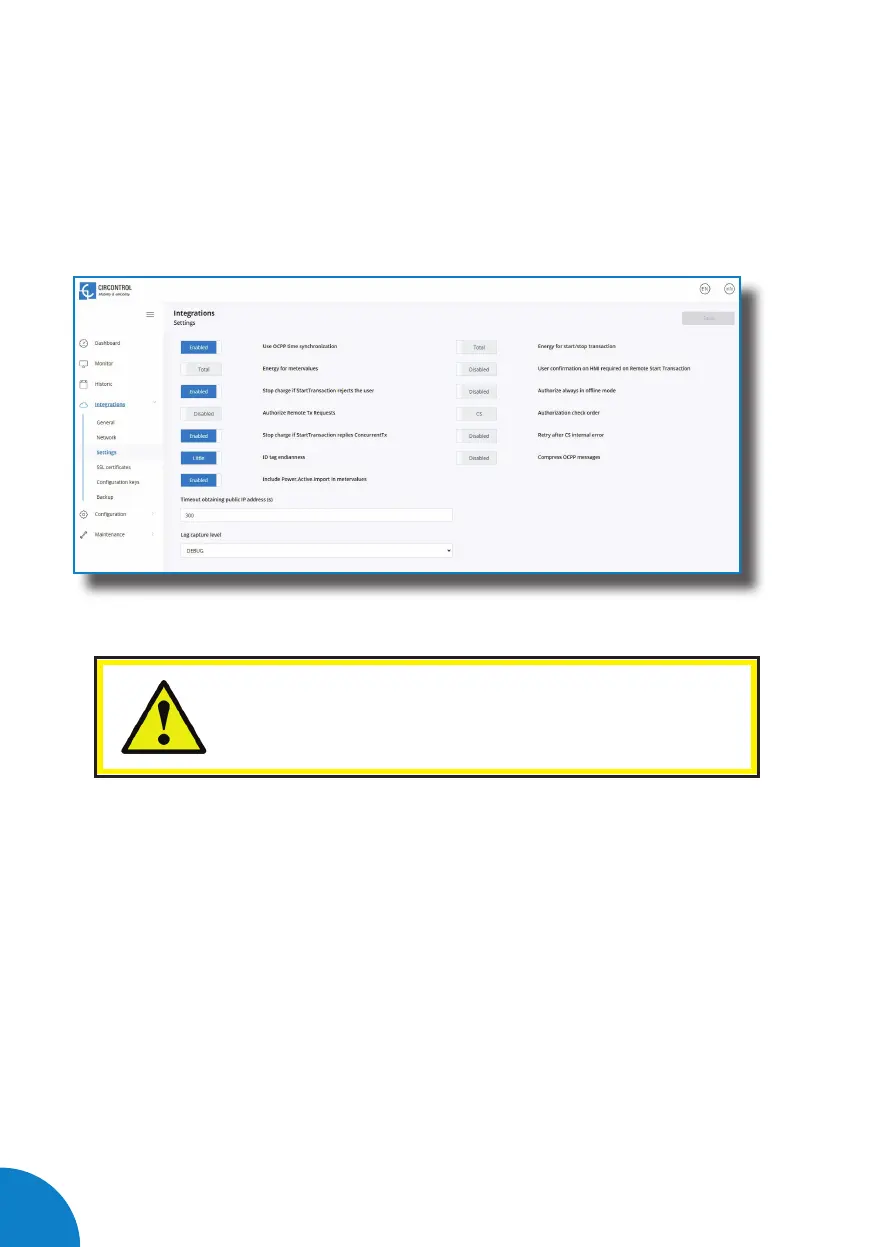
Go to the Setup Webpage > ‘Integrations’ tab > ‘Settings’ tab
Check OCPP Settings according to the backend policies, please contact to the Central
System to get the configuration parameters:
Before making any changes read following table and
set each option according to your backend provider.



 To Next Page