Cirris4
Unpacking
☐
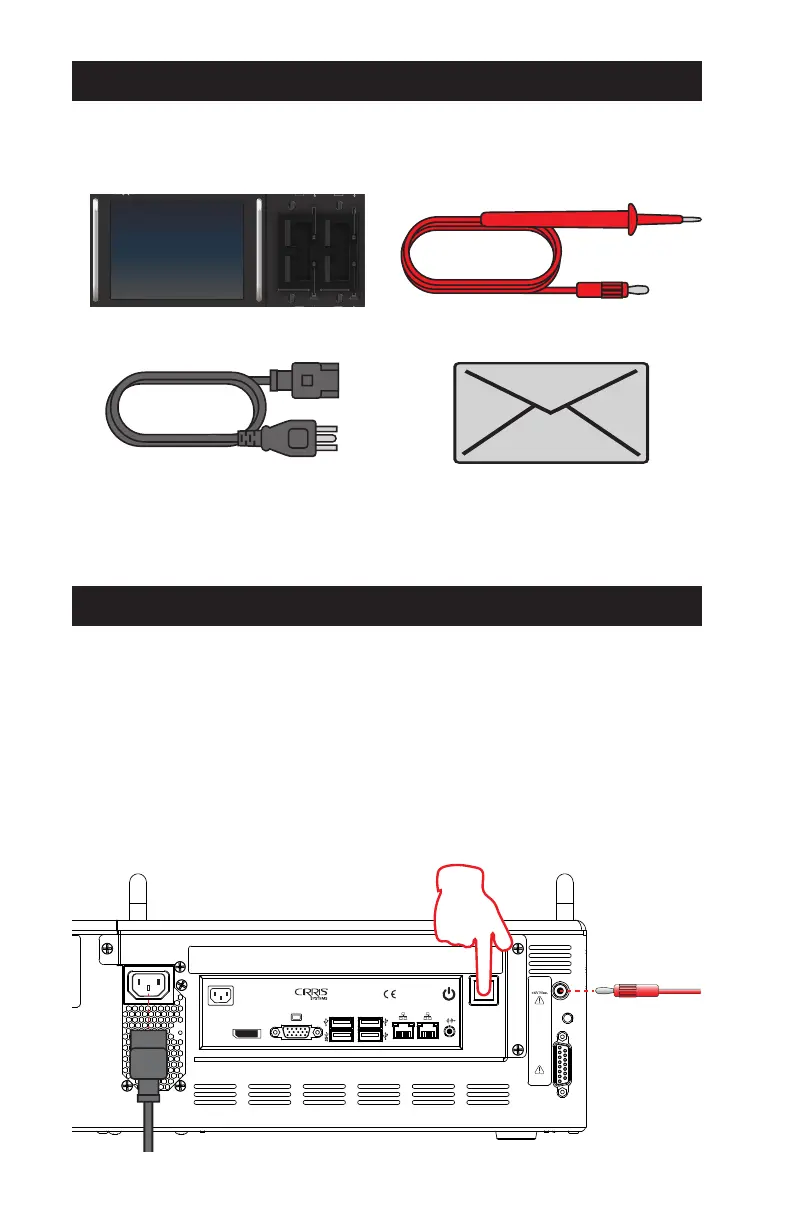
Easy-Touch Pro Tester
Easy Touch
PRO
™
High Voltage Cable Tester
☐
Power Cord
☐ Probe
☐ Certificate of Calibration
You may have also received:
■ Expansion Scanners
■ Cirris Adapters
■ Tilt Stand
■ Performance Verification Kit
The package in which the tester shipped included:
Hardware Setup
The tester includes 128 test points in the base enclosure. It can be expanded
to a maximum of 1024 test points using 128-point Expansion Scanners. See the
Easy-Touch Pro User Manual for Expansion Scanner installation instructions.
After installing any included expansion scanners:
1. Connect the Probe.
2. Connect the Power Cord and plug the power cord into a grounded outlet
(surge protector recommended).
3. Press the power switch to turn on the tester.
Probe
Status
Indicator
Digital
I/O
DP
AC Input
50-60 Hz
100-240 V~
4-2 A
Easy Touch Pro
Made in U.S.A.



 To Next Page