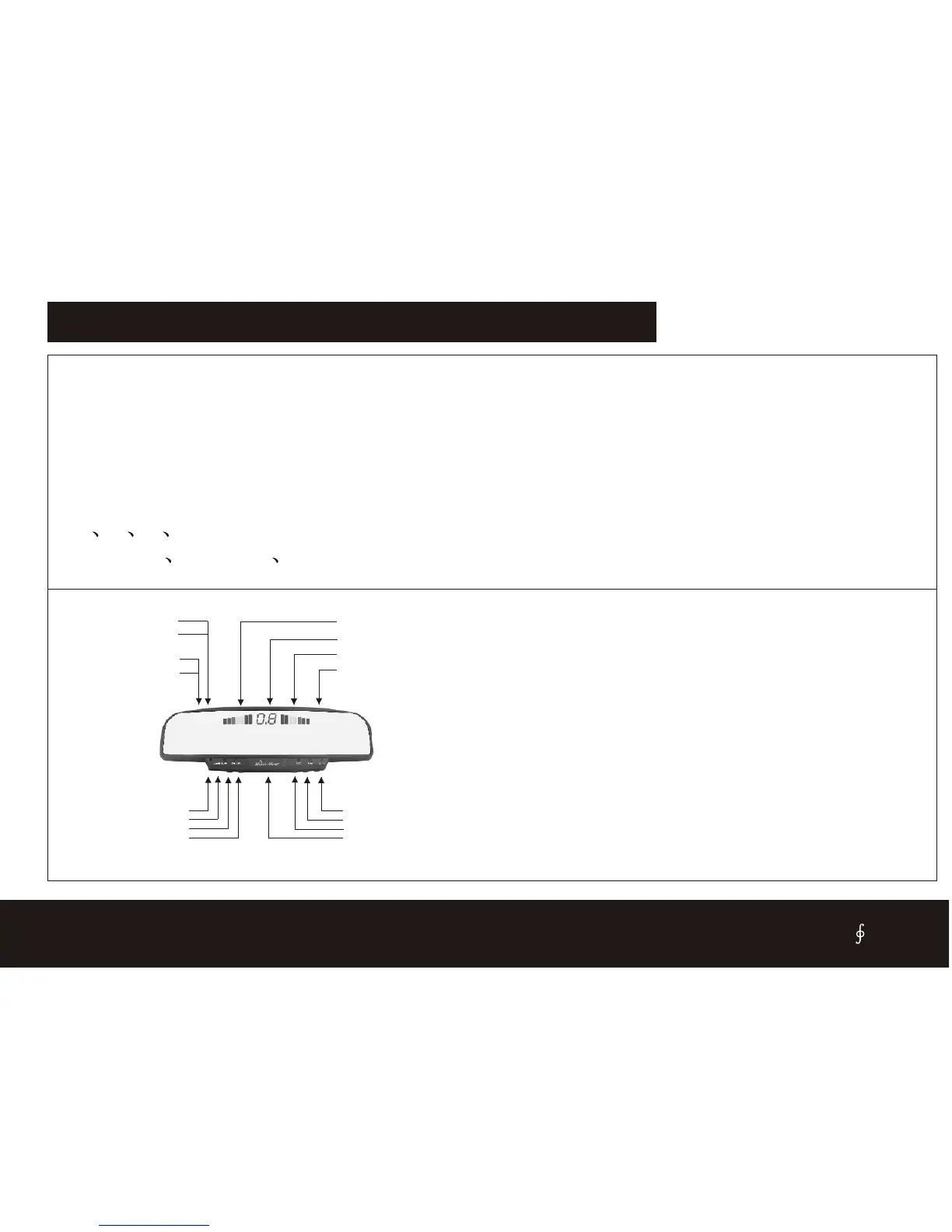
1. Mic
2. Volume control
3.ON/OFF
4.Stand by
5.Earphone jack
6.Record
7.Play
8.Mute
Mic volume adjustor
A echo adjustor
10.Signal input jack
9.Power input jack
11.Speaker
12.Indicate right
13.Distance
14.Indicate left
CISBO RADER SYSTEM USER’S MANUAL
FUNCTIONS FOR REARVIEW DISPLAY SERIES
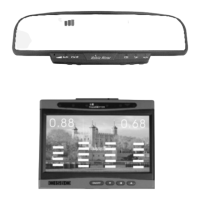
1. L ED display :It is for model such as: SB808(F) ,SB818(F)
2.
3.
Digital LED showing obstacle distance
Alarm by three step Bi-Bi sound
4. Rear view mirror with Guarding against dizzy light and fog function
5. Hans free car kit
6. With Record, play, mute function
7. 2 4 6 8 sensors are available.
8. Insert in Stick on illuminate sensors are available.
1.Mic - Used to receive voice from user.
2.Volume Control- Used to control the speaker volume level.
3.ON/OFF-ppower On and Off. When ON/OFF LED lit, the system is
work.
4Standby - For some mobile phone system, you can press Standby button
to receive your call(for CDMA system only).
5.Earphone Output jack- For private listening of the call.
6.Record Button- Used to record message.
7.Play Button- Used to play back all recorded message.
8.Mute Button- Used to turn off the microphone of MOBILE MIRROR .
9.Power Input Jack - Accepts input plug from car power cord.
10.Hand Free Input Jack - Accepts input plug from hand free cord .
11.Speaker- the phone voice will be directed through this Speaker.
12.Indicate right- When the back right sensor detect the obstacle, it will
light.
13.Distance- Display the latest the distance for all sensors.
14.Indicate left- When the back left sensor detect the obstacle, it will
light.
15


 To Next Page