FUNCTIONS FOR VIDEO DISPLAY SERIES
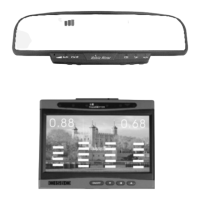
1. TFT LCD display :It is for model: SB838(F) ,SB868(F)
2. TFT
3.
4.
LCD displays the practical image behind your car when reversing
Two series numbers display the distances
Alarm by three step Bi-Bi sound
5. The simulative vehicle is displayed in the colourized screen
6. 2 4 sensors are available.
7. With camera.
8. Insert in Stick on illuminate sensors are available.
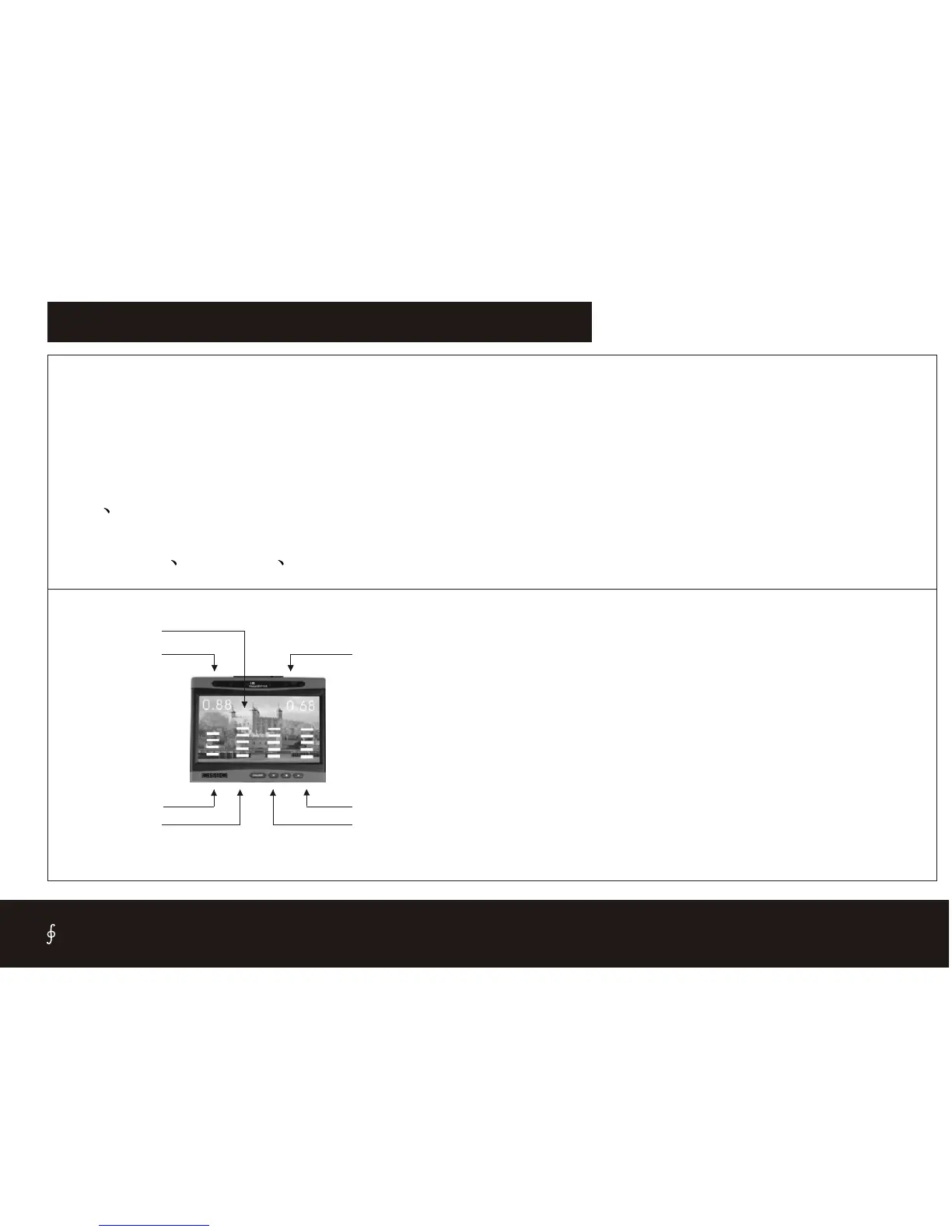
7.Right distance
3.Simulate Bar
1.Image
5.Simulate Bar
6.Simulate Bar
4.Simulate Bar
2. Left distance
1.Image- Display the rear image by Camera
2.left distance- display the obstacle distance for back left 2 sensors
3.simulate Bar -Indicate the back-left sensor working state, When the
obstacle is closer, the bar will more and more.
4.simulate Bar -Indicate the back-left-middle sensor working state,
When the obstacle is closer, the bar will more and more.
5.simulate Bar -Indicate the back-right-middle sensor working state,
When the obstacle is closer, the bar will more and more.
6.simulate Bar -Indicate the back-right sensor working state, When the
obstacle is closer, the bar will more and more.
7.Right distance- display the obstacle distance for back right 2 sensors
CISBO RADER SYSTEM USER’S MANUAL
16


 To Next Page