Grounding2Kensington Lock Slot1
4-pin Power Connector4Power Switch3
LAN: 0-46Reset Button5
Micro USB Console8GE WAN7
USB3.09
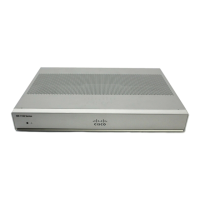
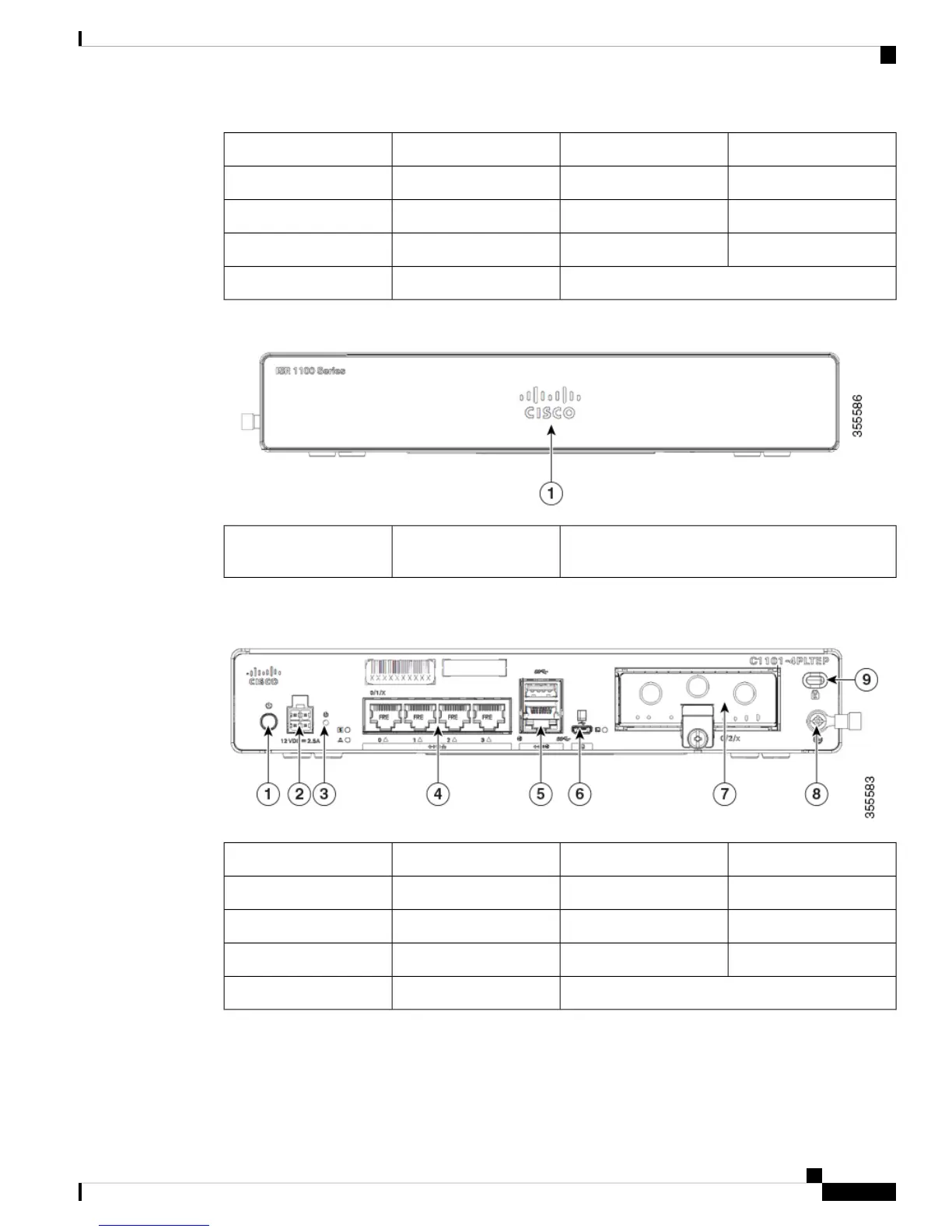
Figure 5: Cisco 1101-4PLTEP-Bezel View
Non-illuminated Cisco
logo
1
Figure 6: Cisco 1101-4PLTEP - I/O View
4-pin Power Connector2Power Switch1
LAN:0-44Reset Button3
Micro-USB console Port6GE WAN5
Grounding8Pluggable7
Kensington Lock Slot9
Hardware Installation Guide for the Cisco 1000 Series Integrated Services Router
5
Overview of Cisco 1000 Series Integrated Services Routers
Chassis Views


 To Next Page
 Loading...