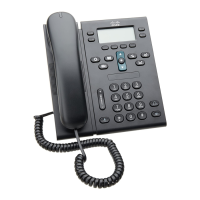
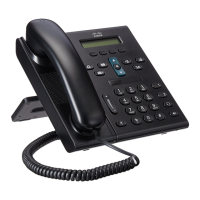
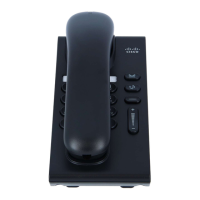
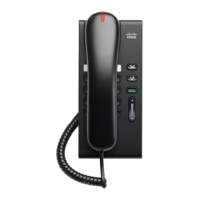
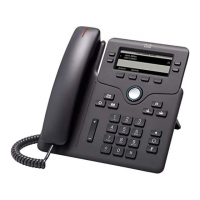
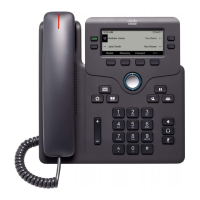
Handset Indicator Light – Indicates an incoming call (flashing red) or new voice message (steady red).
Phone Screen – Shows information about your phone such as date, your phone number, caller ID, directory number, active
call and line status, softkey options, speed dials, placed calls, and phone menu listings.
Line/Session Buttons – Phone lines, intercom lines and speed-dial buttons.
Green, steady: Active call or two-way intercom call
Green, flashing: Held call
Amber, steady: Privacy in use, one-way intercom call, DND active, or logged into Hunt Group
Amber, flashing: Incoming call or reverting call
Red, steady: Remote line in use (shared line or line status)
Red, flashing: Remote line on hold
Soft Key Buttons – Enables softkey (touch screen) options displayed on your phone screen.
Transfer Button – Transfers a call to another party.
Conference Button – Creates a conference call.
Hold Button – Places an active call on hold and resumes the held call.
Navigation Bar and Select Button – The Navigation Bar and Select button allows you to scroll through menus, highlight items
and select the highlighted item.
Headset Button – Initiates or picks-up a call hands-free by directing the audio through the headset.
Speakerphone Button – Initiates or picks-up a call hands-free by directing the audio through the phone speaker.
Keypad – Allows you to dial phone numbers, enter letters, and select menu items (by entering the item number).
Mute Button – Turns the microphone on and off.
Volume Button – Controls the handset, headset, and speakerphone volume (off hook) and the ringer volume (on hook).
Messages Button – Autodials your voice messaging system (varies by system).
Applications Button – Opens or closes the Applications menu. Use the Applications button to access call history, user
preferences, phone settings, and phone model information.
Contacts Button – Opens or closes the Directories menu. Use the Contacts button to access personal and corporate
directories.


 To Next Page