3-4 Operation 4038501 Rev C
Setting Up the Amplifier with a Computer, Continued
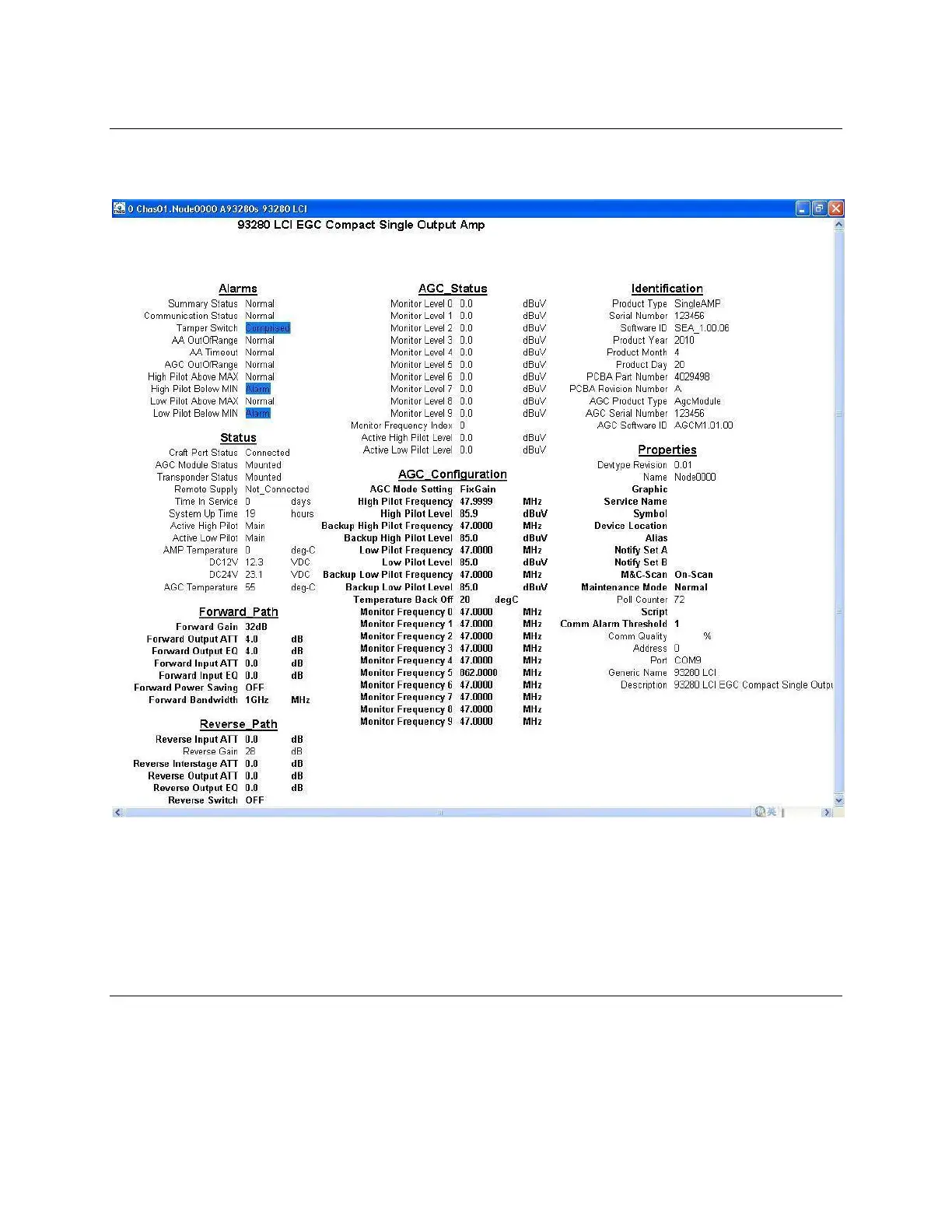
Result: A configuration window displays all settings of the amplifier, as
illustrated below.
Note: “AGC_Status” and “AGC_Configuration” categories are only available when
the AGC module is mounted. Otherwise, this column is blank.
5. Double-click the parameter you want to set up in the configuration window.
Result: A dialog box appears.
Continued on next page



 To Next Page