4038501 Rev C Operation 3-5
Setting Up the Amplifier with a Computer, Continued
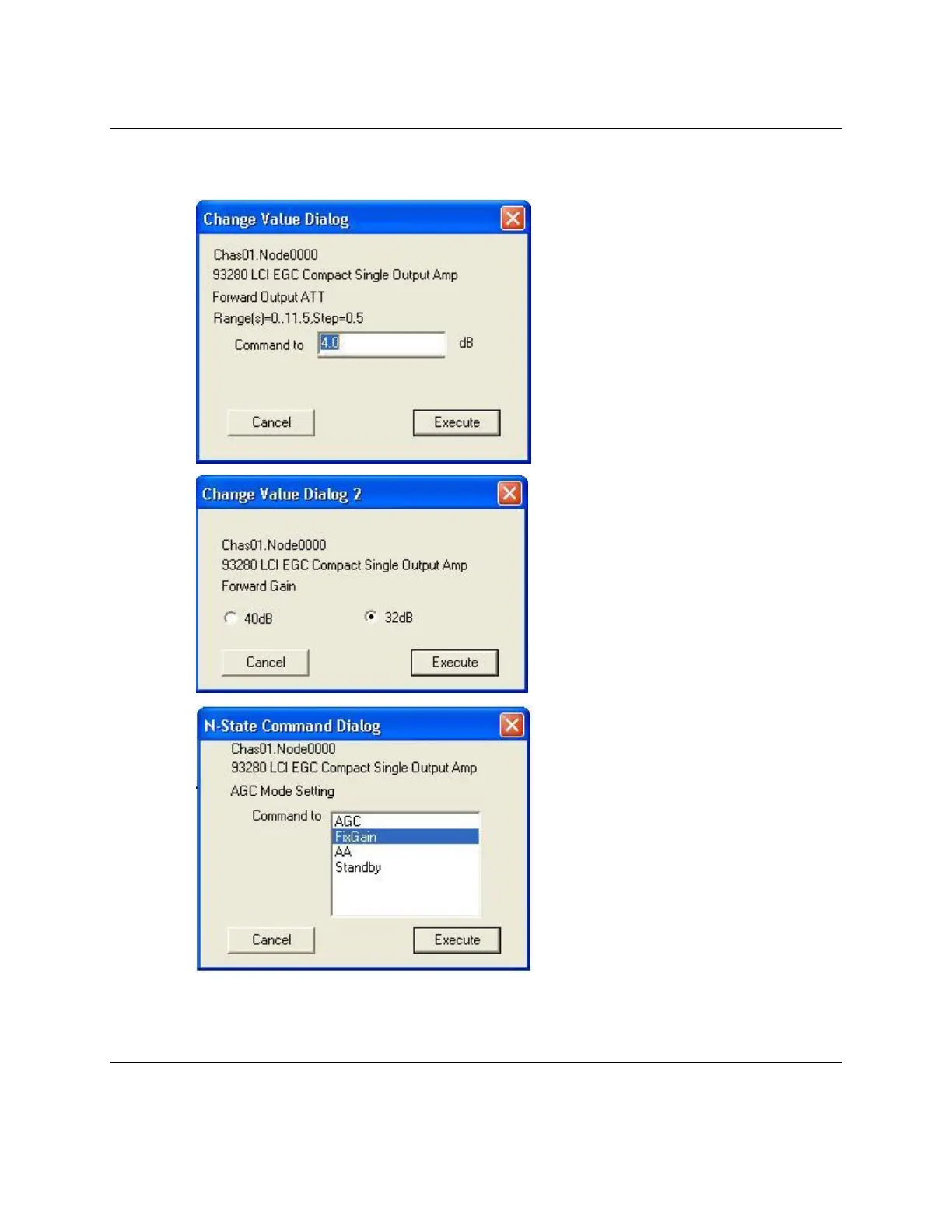
6. Either type a value in the text box, select the desired option button, or select the
desired value in the dialog box, as illustrated below.
7. Click Execute to validate the change.
Result: The change is effective right away.
Continued on next page



 To Next Page