Welcome
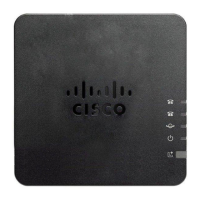
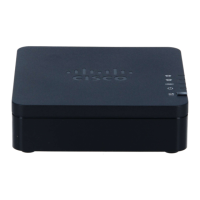
The Cisco ATA 191 is an analogue terminal adapter that connects your analogue phone to a digital or VoIP
network. This guide shows you how to set it up. Don’t worry, it’ll only take a minute or two.
What’s in the box?
Make sure you’ve got everything. You should have:
• Cisco ATA 191
• Ethernet cable
• Mains power adapter
• Phone socket adapter
Connecting the cables
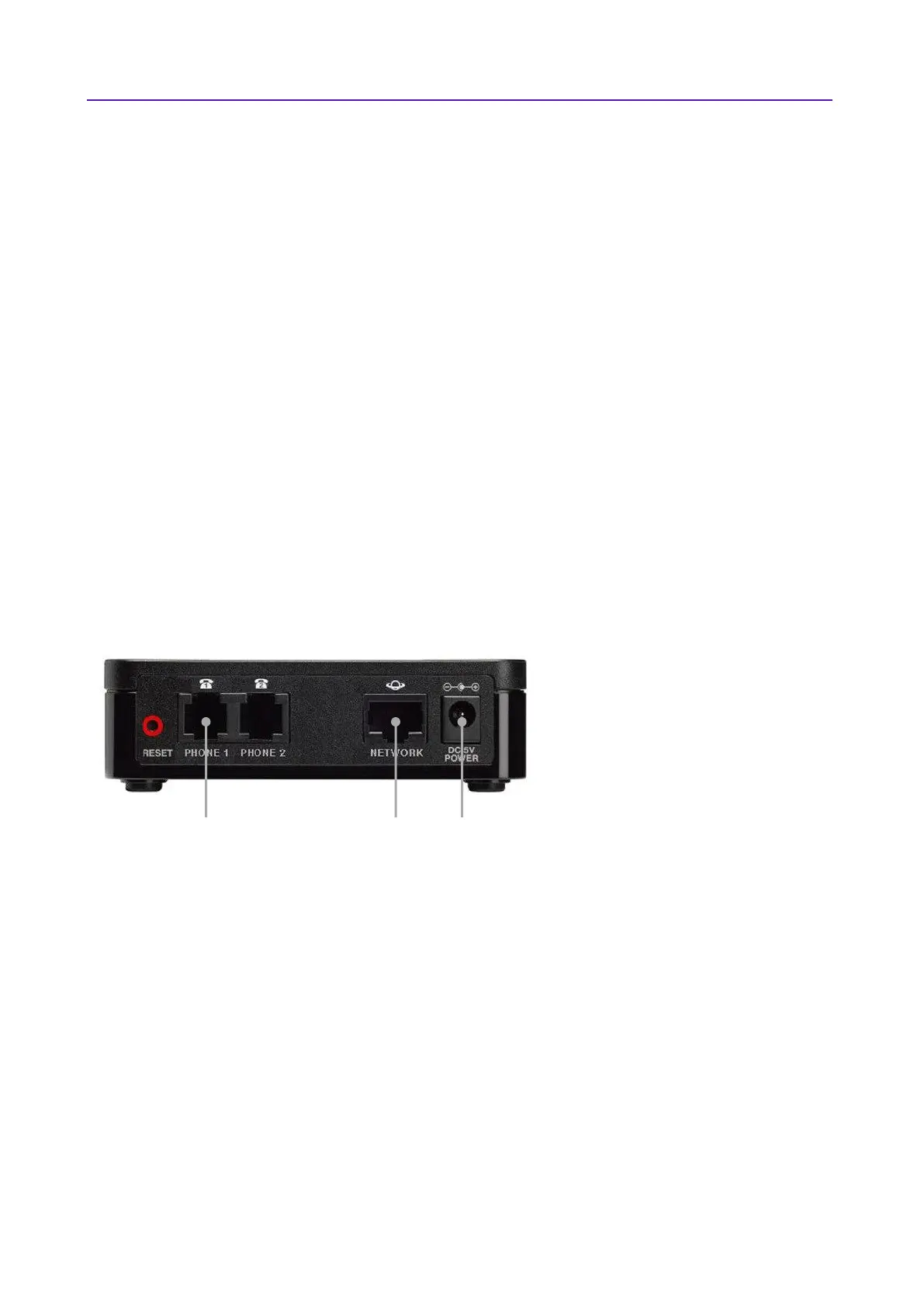
• Connect the internet port on the back of the box to your network port using the Ethernet cable.
• Connect the power cable to the box and then plug it into the mains (the Cisco ATA 191 does not
support Power over Ethernet).
• Plug your analogue phone into the Phone 1 socket using either the phone socket adapter or directly,
if your phone has an RJ11 phone cable.







 To Next Page