Setting up
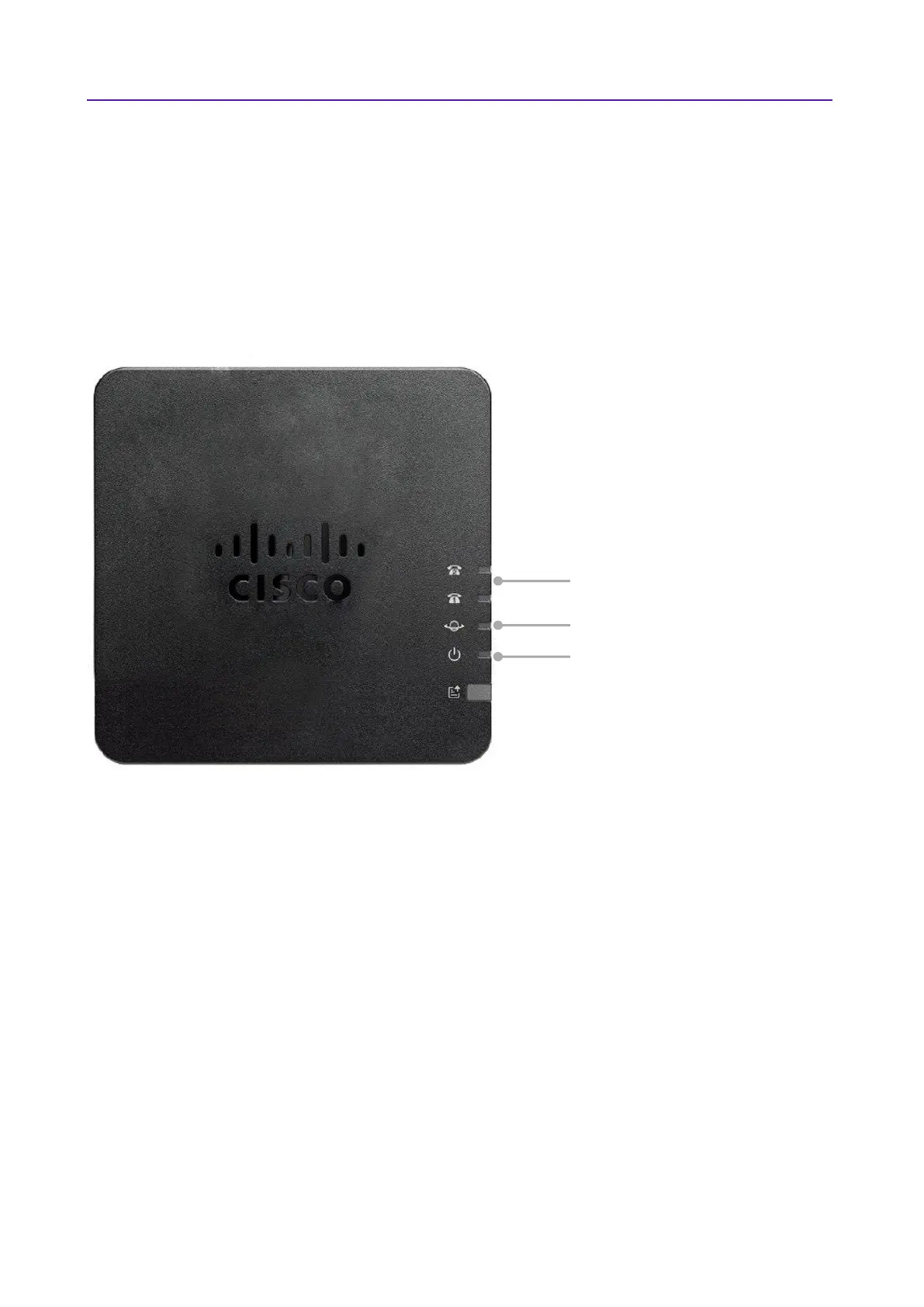
Once you’ve connected it to the network and plugged it in, it’ll do a series of updates. This may take a while
so please be patient while it does what it needs to do.
When the Cisco ATA 191 has finished updating and it’s ready for action, the Phone 1 indicator light will turn
green. If this doesn’t happen, please call your service desk. You can now start making calls through your Cisco
ATA 191.
Need Help?
If you have any problems setting up or using your Cisco ATA 191, call your service desk on 0800 389 0537 for
help.











 To Next Page