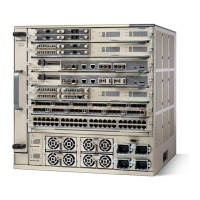
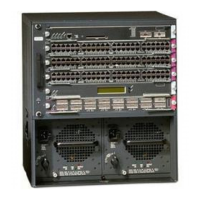
Rack Mouting the Chassis
Installing the Chassis in a Four-Post Rack
The chassis are designed to be mounted in equipment racks that meet ANSI/EIA 310-D and ETS 300-119
standards.
Note
Procedure
Step 1
Based on the type of rack (closed (cabinet) rack or open rack), you can install the left and the right L brackets
of the chassis in one of the following ways:
•
Original position - Left L bracket on the left side of the chassis and right L bracket on the right side of
the chassis.
The chassis is shipped with the L brackets installed, which is referred to as the original position.Note
Catalyst 6880-X Switch Hardware Installation Guide
OL-30827-02 19
Installing the Switch
Rack Mouting the Chassis

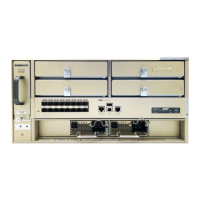

 To Next Page
 Loading...