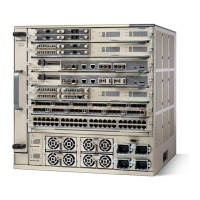
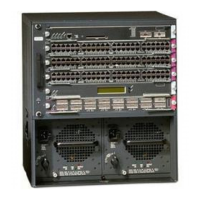
Figure 15: 180
O
flip position of L bracket
Right L bracket2Left L bracket1
Step 2
With a person standing at each side of the chassis, each person supports the chassis by placing one hand in
the handhold on the side of the chassis (see figure above) and using the other hand under the back of the
chassis for balance. Slowly lift the chassis together. Avoid sudden twists or moves to prevent injury.
Step 3
Rest the back end of the chassis on the rack-mount shelf and carefully slide the chassis into the rack until the
L brackets meet the front rails of the rack system.
Step 4
Locate the rack post holes that align with the chassis L bracket holes. If the rack post holes are prethreaded,
determine if the threads are 10-32 or 12-24. If the rack post holes are unthreaded, install fourteen (seven on
each side) either 10-32 or 12-24 clip or cage nuts over the rack post holes to accept the installation screws.
Clip nuts or cage nuts are not included as part of the accessory kit that comes with the chassis. You
must obtain them yourself.
Note
Catalyst 6880-X Switch Hardware Installation Guide
OL-30827-02 21
Installing the Switch
Rack Mouting the Chassis


 To Next Page
 Loading...