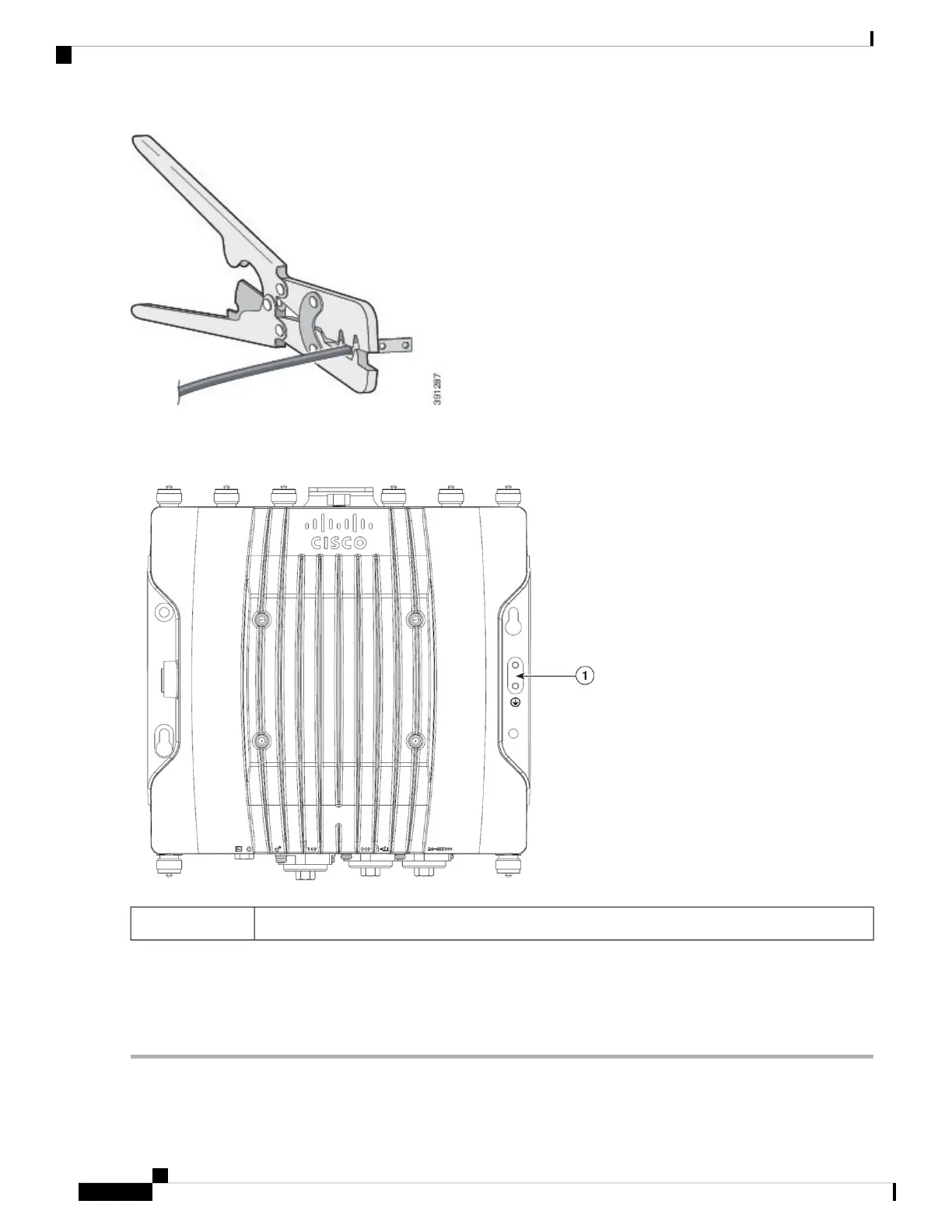
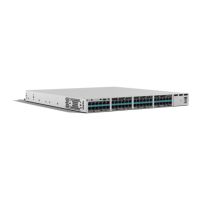
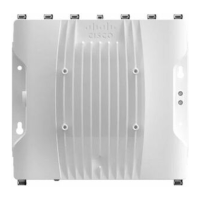
Step 2 Connect the supplied ground lug to the access point ground connection point using the supplied screws. Apply supplied
oxide inhibitor between the ground lug and the access point ground connection.
AP ground connection point1
Step 3 Tighten the screws to 20-25 inch-lbs of torque.
Step 4 If necessary, strip the other end of the ground wire and connect it to a reliable earth ground such as a grounding rod or
appropriate ground point on a grounded pole. Length of the ground cable should not exceed 1 meter, and 0.5 meter is
preferred. Use supplied oxide inhibitor on the grounded interface.
Installation Overview
18
Installation Overview
Grounding the Access Point





 To Next Page