4012160 Rev C 13
Notes:
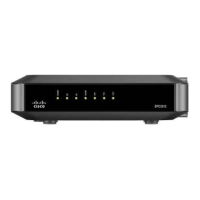
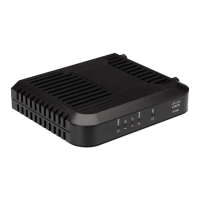
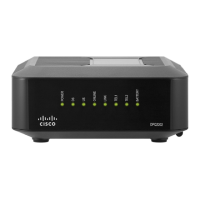
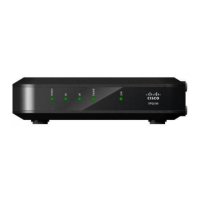
After the cable modem is successfully registered on the network, the POWER
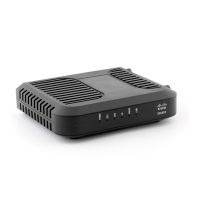
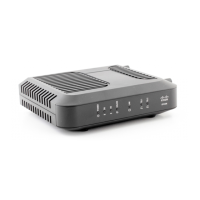
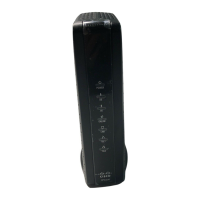
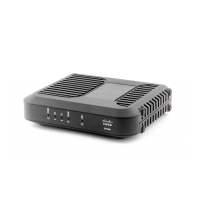
(LED 1), DS (LED 2), US (LED 3), and ONLINE (LED 4) LEDs illuminate
continuously to indicate that the cable mode is active and fully operational
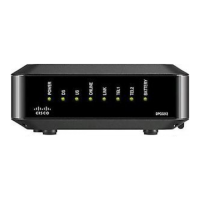
LEDs may behave differently when the cable modem is running on battery
power (without AC power-optional model only). Most LEDs are disabled if
the unit is operating on battery power. In this mode, the POWER LED blinks
to indicate that the unit is operating under battery power but AC power has
failed


 To Next Page