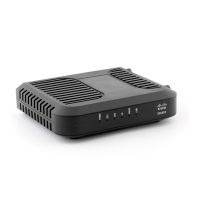
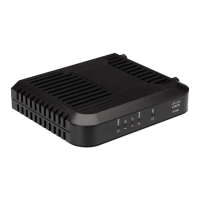
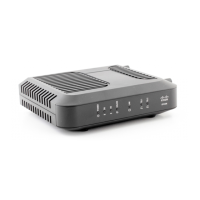
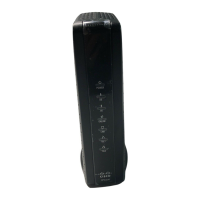
Need help?
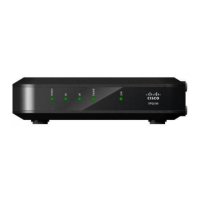
Do you have a question about the Cisco DPC3008 and is the answer not in the manual?
Warning about operating the product from the correct power source and keeping the AC inlet accessible.
Warning to ensure the cable system is grounded to protect against surges and static charges.
Guidelines for grounding outdoor antenna or cable systems for surge protection.
Advice on protecting the product from lightning strikes.
Warning against overloading AC mains, outlets, and extension cords.
Warnings about preventing contact with liquids, rain, moisture, and foreign objects.
Guides on connecting the cable modem to support services and devices.
Outlines common problems and their potential solutions for the cable modem.
 General
| DOCSIS Version | 3.0 |
|---|---|
| Downstream Channels | 8 |
| Upstream Channels | 4 |
| Ethernet Ports | 1 |
| Max Download Speed | 343 Mbps |
| Max Upload Speed | 120 Mbps |
| Product Type | Cable Modem |

 To Next Page