Allows you to add a new Time of Day access filter or rule. Enter the
name of the filter and click the Add key to add the filter to the list.
Time of Day rules are used to restrict Internet access based on the
day and time.
Configure Parental Control Event Reporting
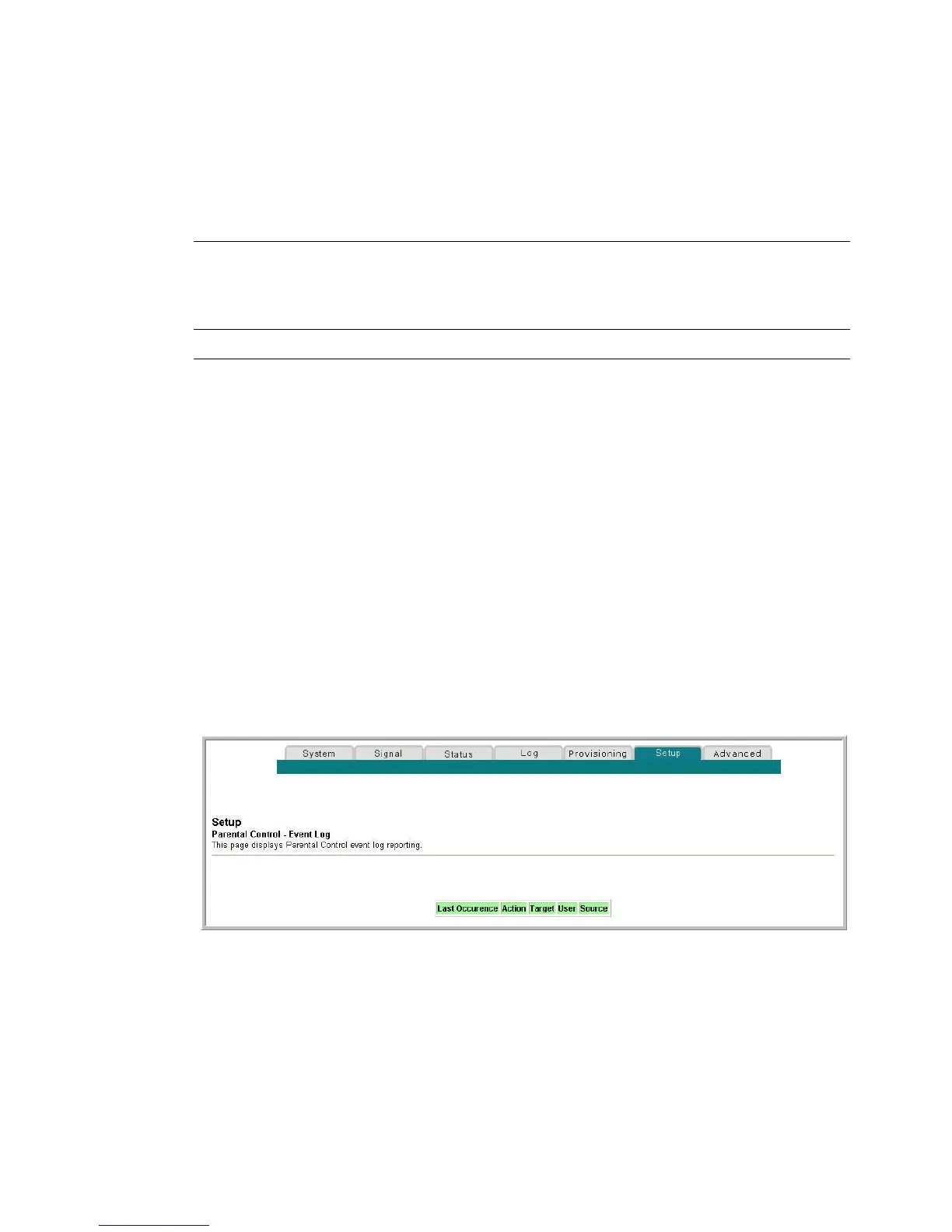
Use the Setup Parental Control - Event Log page to view events captured by the
parental control event-reporting feature.
Note: If you are not familiar with the settings detailed in this section, contact your
service provider before you attempt to change any of the residential gateway default
parental control settings.
Click Local Log in the Parental Control section of the Setup page to access the Setup
Parental Control - Event Log page.
Setup Parental Control - Event Log Page
The following illustration is an example of the Setup Parental Control - Event Log
page.


 To Next Page