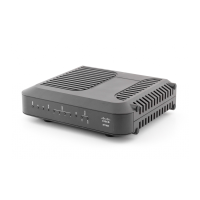
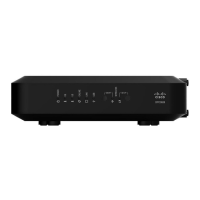
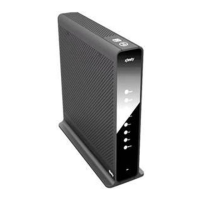
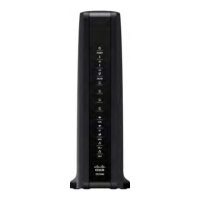
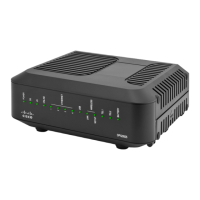
5 Lift the residential gateway into position. Slip the large end of both mounting
slots (located in the side of the residential gateway) over the mounting screws,
and then slide the residential gateway down until the narrow end of the keyhole
slot contacts the screw shaft.
Important: Verify that the mounting screws securely support the residential
gateway before you release the unit.


 To Next Page