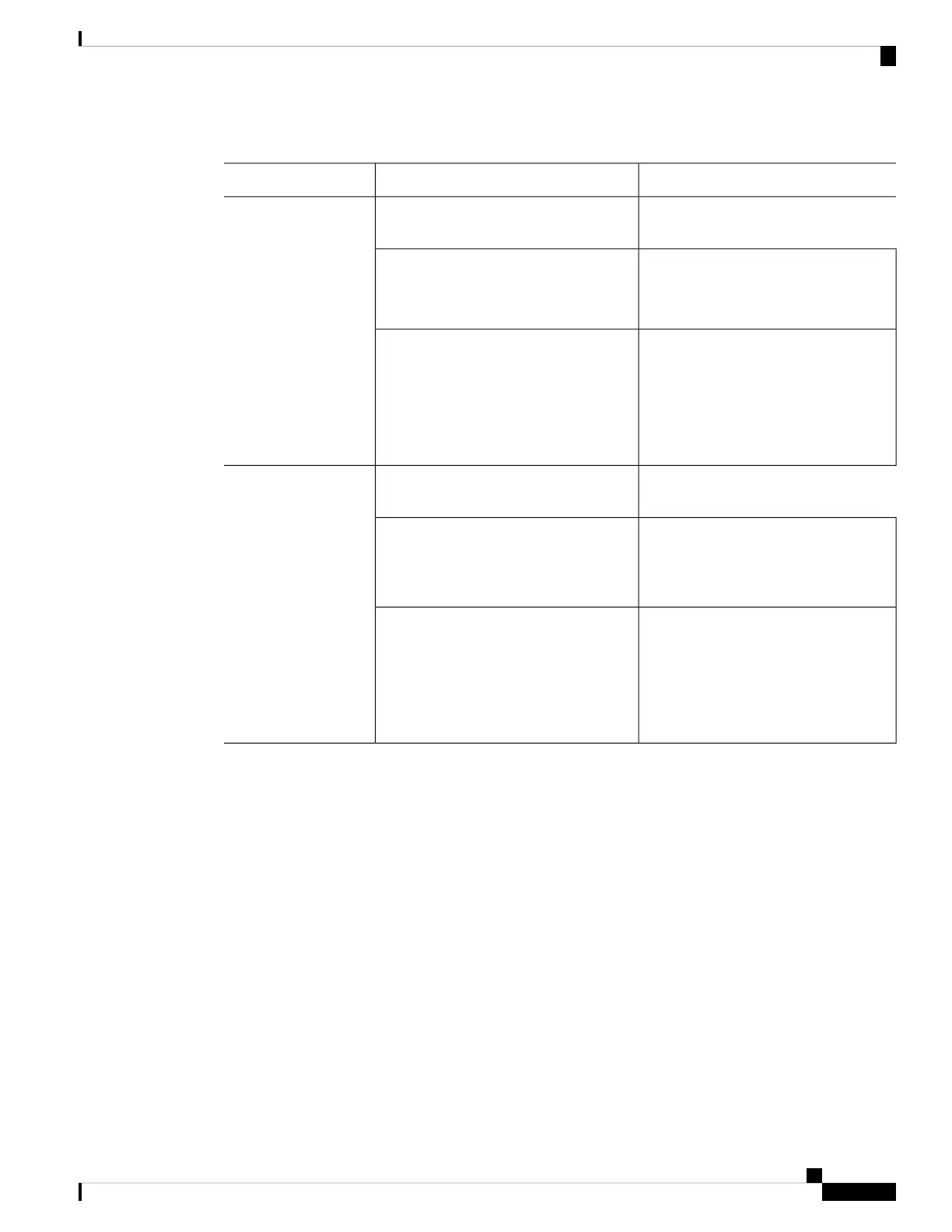
Table 2: ASA Software
PackagesDownload LocationASA Model
See:
https://www.cisco.com/go/asa-firepower-sw
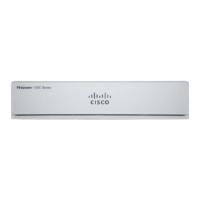
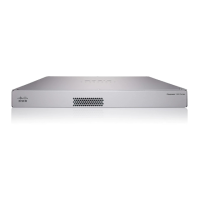
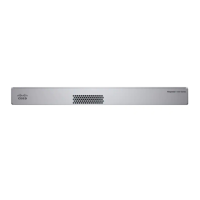
Firepower 1000 series
The package has a filename like
cisco-asa-fp1k.9.13.1.SPA. This package
includes ASA and ASDM.
ASA package
Choose your model > Adaptive Security
Appliance (ASA) Software > version.
The ASDM software file has a filename
like asdm-7131.bin.
ASDM software (upgrade)
To upgrade to a later version of ASDM
using your current ASDM or the ASA
CLI, choose your model > Adaptive
Security Appliance (ASA) Device
Manager > version.
See:
https://www.cisco.com/go/asa-firepower-sw
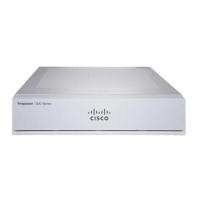
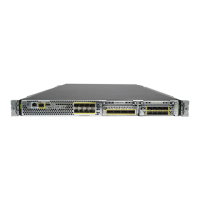
Firepower 2100 series
The package has a filename like
cisco-asa-fp2k.9.8.2.SPA. This package
includes ASA, ASDM, FXOS, and the
Firepower Chassis Manager.
ASA package
Choose your model > Adaptive Security
Appliance (ASA) Software > version.
The ASDM software file has a filename
like asdm-782.bin.
ASDM software (upgrade)
To upgrade to a later version of ASDM
using your current ASDM or the ASA
CLI, choose your model > Adaptive
Security Appliance (ASA) Device
Manager > version.
ASA→FTD: Firepower 1000 or 2100 Appliance Mode
This task lets you reimage a Firepower 1000 or a Firepower 2100 in Appliance mode from ASA to FTD by
booting an FTD image from the ASA software.
Before you begin
• Make sure the image you want to upload is available on an FTP, SCP, SFTP, or TFTP server, or a USB
drive.
• You must use the ASA CLI for this procedure.
• (Firepower 2100) In 9.12 and earlier, only Platform mode is available. In 9.13 and later, Appliance mode
is the default. If you upgrade a Platform mode device to 9.13 or later, then the ASA remains in Platform
mode. Check the mode by using the show fxos mode command at the ASA CLI. The Firepower 1000
only supports Appliance mode.
If you have an ASA in Platform mode, you must use FXOS to reimage. See ASA→FTD: Firepower
2100 Platform Mode, on page 6.
Cisco ASA and Firepower Threat Defense Reimage Guide
3
Cisco ASA and Firepower Threat Defense Reimage Guide
ASA→FTD: Firepower 1000 or 2100 Appliance Mode



 To Next Page