firepower login: admin
Password:
Successful login attempts for user 'admin' : 1
Copyright 2004-2019, Cisco and/or its affiliates. All rights reserved.
[...]
User enable_1 logged in to firepower
Logins over the last 1 days: 1.
Failed logins since the last login: 0.
Type help or '?' for a list of available commands.
firepower>
firepower# connect ftd
You must accept the EULA to continue.
Please enter 'YES' or press <ENTER> to AGREE to the EULA:
[...]
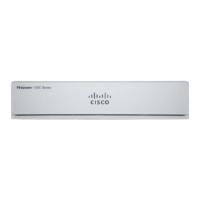
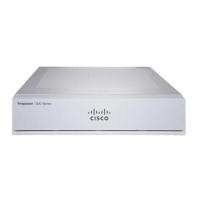
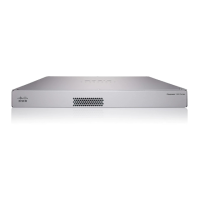
FTD→ASA: Firepower 1000 or 2100
This task lets you reimage the Firepower 1000 or 2100 from FTD to ASA. By default, the ASA is in Appliance
mode. After you reimage, you can change the ASA to Platform mode.
After performing this procedure, the FXOS admin password is reset to Admin123.
Note
Procedure
Step 1 Make sure the image you want to upload is available on an FTP, SCP, SFTP, or TFTP server connected to
the Management 1/1 interface, or a USB drive.
For more information about the Management 1/1 interface settings, see the FTD show network and configure
network commands in the FTD command reference.
Step 2 Unlicense the FTD.
• If you are managing the FTD from the Firepower Management Center, delete the device from the
Management Center.
• If you are managing the FTD using Firepower Device Manager, be sure to unregister the device from
the Smart Software Licensing server, either from the Firepower Device Manager or from the Smart
Software Licensing server.
Step 3 Connect to the FXOS CLI, either the console port (preferred) or using SSH to the Management 1/1 interface.
If you connect at the console port, you access the FXOS CLI immediately. Enter the FXOS login credentials.
The default username is admin and the default password is Admin123.
If you connect to the FTD management IP address using SSH, enter connect fxos to access FXOS.
Step 4 Download the package to the chassis.
a) Enter firmware mode.
Cisco ASA and Firepower Threat Defense Reimage Guide
9
Cisco ASA and Firepower Threat Defense Reimage Guide
FTD→ASA: Firepower 1000 or 2100



 To Next Page