EasyManua.ls Logo

Cisco Linksys PLWK400 - User Manual

Cisco Linksys PLWK400
13 pages
Print Icon
To Next Page IconTo Next Page
Loading...
User
Guide
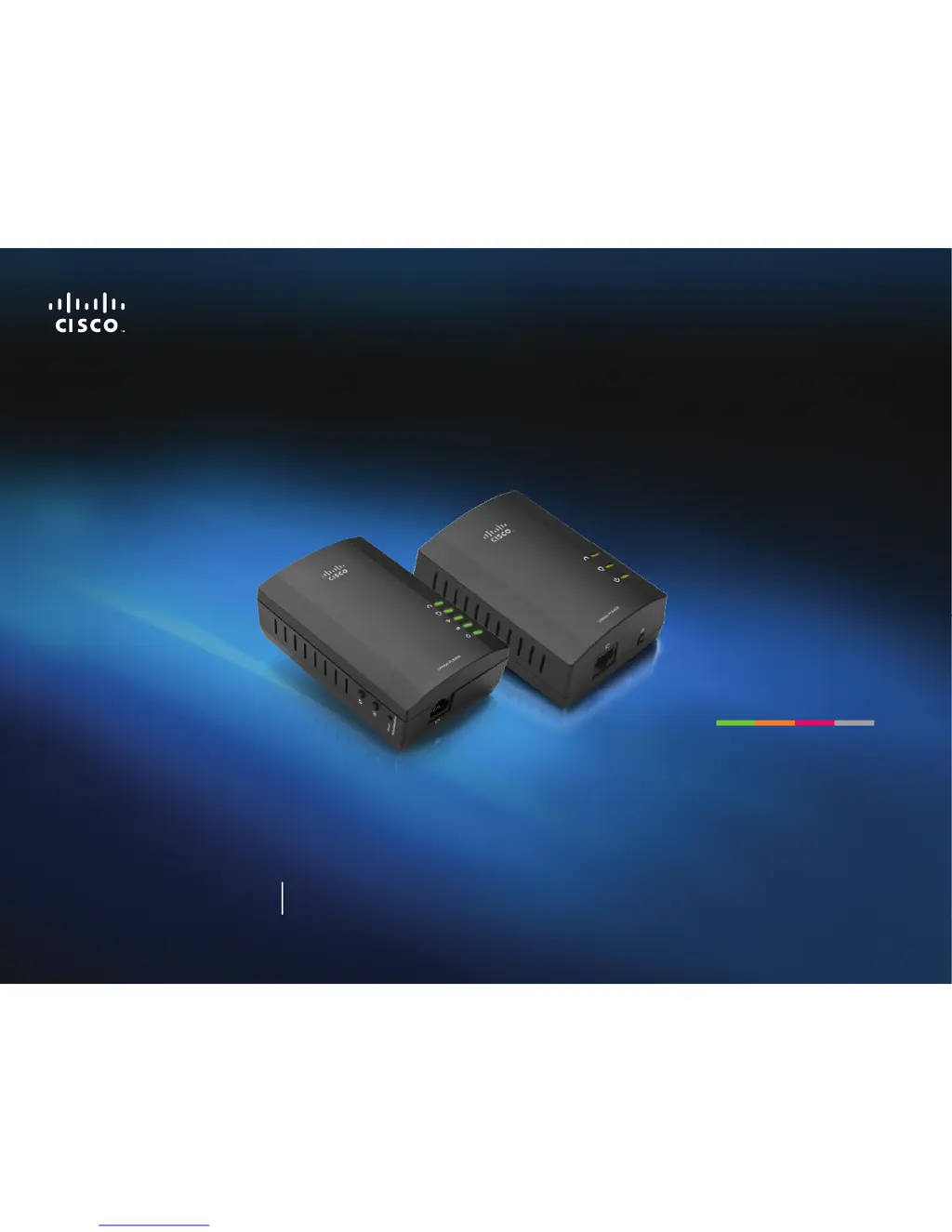
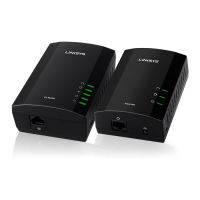
Linksys PLWK400 Powerline AV Wireless Network Extender Kit

Questions and Answers

  • M
    matthewgibsonJul 31, 2025
    How to fix Cisco Extender when wireless network device is not recognized?
    • E
      Erin HallJul 31, 2025
      If your wireless network device isn't being recognized by your network when using a Cisco Extender, first ensure the wireless device and its networking are turned on. Positioning the extender closer to the wireless device might help. Also, try to avoid obstructions like metal cabinets or thick walls between the extender and the wireless device. If you have advanced security settings enabled, verify that all adapters on the Powerline network are configured with the same network password.
  • J
    James HawkinsAug 7, 2025
    What to do if Ethernet LED does not turn on on Cisco Linksys PLWK400 Extender?
    • A
      Andrew SwansonAug 7, 2025
      If the Ethernet LED on your Cisco Extender doesn't turn on after connecting a wired Ethernet device, ensure the Ethernet cable is securely connected to both the adapter and the network device. If the issue persists, try disconnecting the adapter from the power outlet and the Ethernet cable from the adapter. Wait five seconds, then reconnect the Ethernet cable and the adapter to the power outlet.
  • P
    Patrick NelsonAug 15, 2025
    How to fix a Cisco Extender that is not recognizing wireless devices?
    • L
      Laura DiazAug 15, 2025
      If your wireless network device isn't recognized by your Cisco Extender network, ensure the wireless device and its wireless networking are turned on. If possible, position the PLW400 near the wireless device you want to connect and avoid obstructions like metal cabinets or thick walls between them. Also, verify that all adapters on the Powerline network have been configured with the same network password for communication.
  • S
    Shawn BrownAug 23, 2025
    What to do if Ethernet LED on Cisco Linksys PLWK400 Extender doesn't turn on?
    • J
      Jennifer JohnsonAug 23, 2025
      If the Ethernet LED doesn't turn on after connecting a wired Ethernet device to your Cisco Extender Powerline adapter, ensure the Ethernet network cable is securely connected to both the adapter and the network device. If it still doesn't work, disconnect the adapter from the power outlet and the Ethernet cable from the adapter. Wait five seconds, then reconnect the Ethernet cable and the adapter to the power outlet.

Summary

Powerline Networking Fundamentals

How Powerline Networking Works

Explains how existing household wiring is used to create a network.

Installing the Adapters

Setting Up Advanced Security

Details on configuring secure network passwords for Powerline adapters.

Troubleshooting Common Issues

Wireless Device Recognition

Solutions for when wireless devices are not found by the network.

Ethernet Connection Problems

Troubleshooting steps for the Ethernet LED not turning on.

Network Connectivity and Internet Access

Resolving issues with connecting to the network or internet.

Understanding LED Status Indicators

Explains the meaning of different LED light patterns for diagnosis.

Cisco Linksys PLWK400 Specifications

General IconGeneral
BrandCisco
ModelLinksys PLWK400
CategoryExtender
LanguageEnglish

Related product manuals