MX400 Installation Guide
This document describes how to install and set up the MX400 security appliance. Additional reference documents are
available online at: www.meraki.com/library/products.
MX400 Overview
The Meraki MX400 is an enterprise security appliance designed for for
distributed networks that require remote administration. It is ideal for
network administrators who demand both ease of deployment and a
state-of-the-art feature set. The MX400 appliance provides the following
new features:
• Four bypass (fail-to-wire) ports
• USB port, to support approved 3G/4G cards for failover to cellular
networks.
• Support for two interface modules. Each module can have either
eight 1Gbit
• RJ45 or SFP ports or two 10Gbit SFP+ ports.
• Dedicated management port.
• Rail-kit for rack mounting
Package contents
In addition to the MX400, the following are provided.
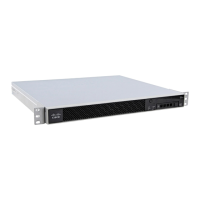
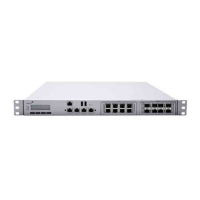
The MX400 front panel
1

 Need help?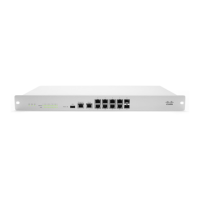


 To Next Page
 General