Ports and Status Indicators
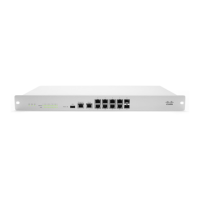
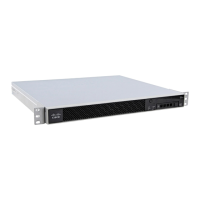
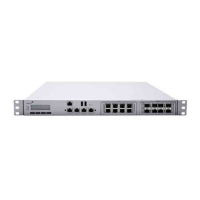
The MX400 uses LEDs to inform the user of the device's status. When the device powers on, all the Internet LEDs flash
twice. Additional functions are described below, from left to right.
Item Function LED Status Meaning
1 Power Solid orange Power is applied
Flashing green Operation in progress
Solid green Fully operational
2 Warning Off
During boot or no USB
link
Orange
Device requires attention.
Dashboard will contain
additional information
3 Disk status Off No disk activity
Orange Requires attention
Green Disk activity
4 Bypass status Off
WAN and LAN ports are
separated
Green
WAN and LAN ports are
connected through virtual
wire
2



 To Next Page