Install the Device
Before you begin this task, ensure that you have read and understood the safety warnings in the Standard
Warning Statements section of the Safety Warnings handout.
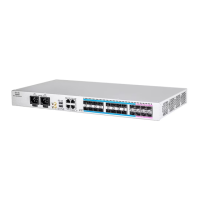
Installing the Cisco NCS 540 Small Density routers involves these tasks:
All the installation instructions for N540X-6Z18G-SYS-A/D, N540X-8Z16G-SYS-A/D, and
N540X-4Z14G2Q-A/D variants remain similar and any differences between the routers are specifically
called out.
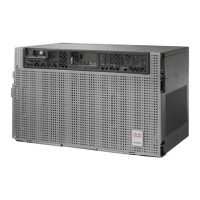
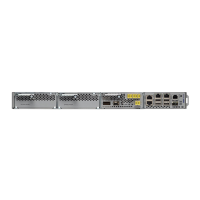
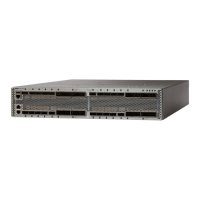
The illustrations are for reference purpose only and may vary based on your Cisco NCS 540 variant.
Note
• Rack Compatibility, on page 1
• Set up Device on Rack or Wall, on page 3
Rack Compatibility
We recommend that you follow these rack specifications.
Rack Types
Figure 1: Rack specification EIA (19 inches and 23 inches)
Install the Device
1

 Need help?
 General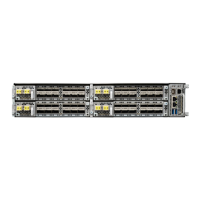



 To Next Page