2 Cisco SPA100 Series Analog Telephone Adapters
Welcome
Thank you for choosing a Cisco SPA100 Series Analog Telephone Adapter.
This product family includes the following models:
• SPA112 Two-Port Phone Adapter: 2 FXS ports and 1 10/100 WAN
port.
• SPA122 ATA with Router: 2 FXS ports, 1 10/100 WAN port, 1 10/100
LAN port, and built-in router.
This guide describes how to physically install the equipment and how to
get started with the configuration.
Before You Begin
Before you begin the installation, make sure that you have the following
equipment and services:
• An active Internet account and Voice over IP account
• Ethernet cable to connect to your broadband network device
• Phone to connect to your SPA112/122
• Phone cable to connect your phone
• Optional: Uninterruptible Power Supply (UPS) to provide backup power
Product Features
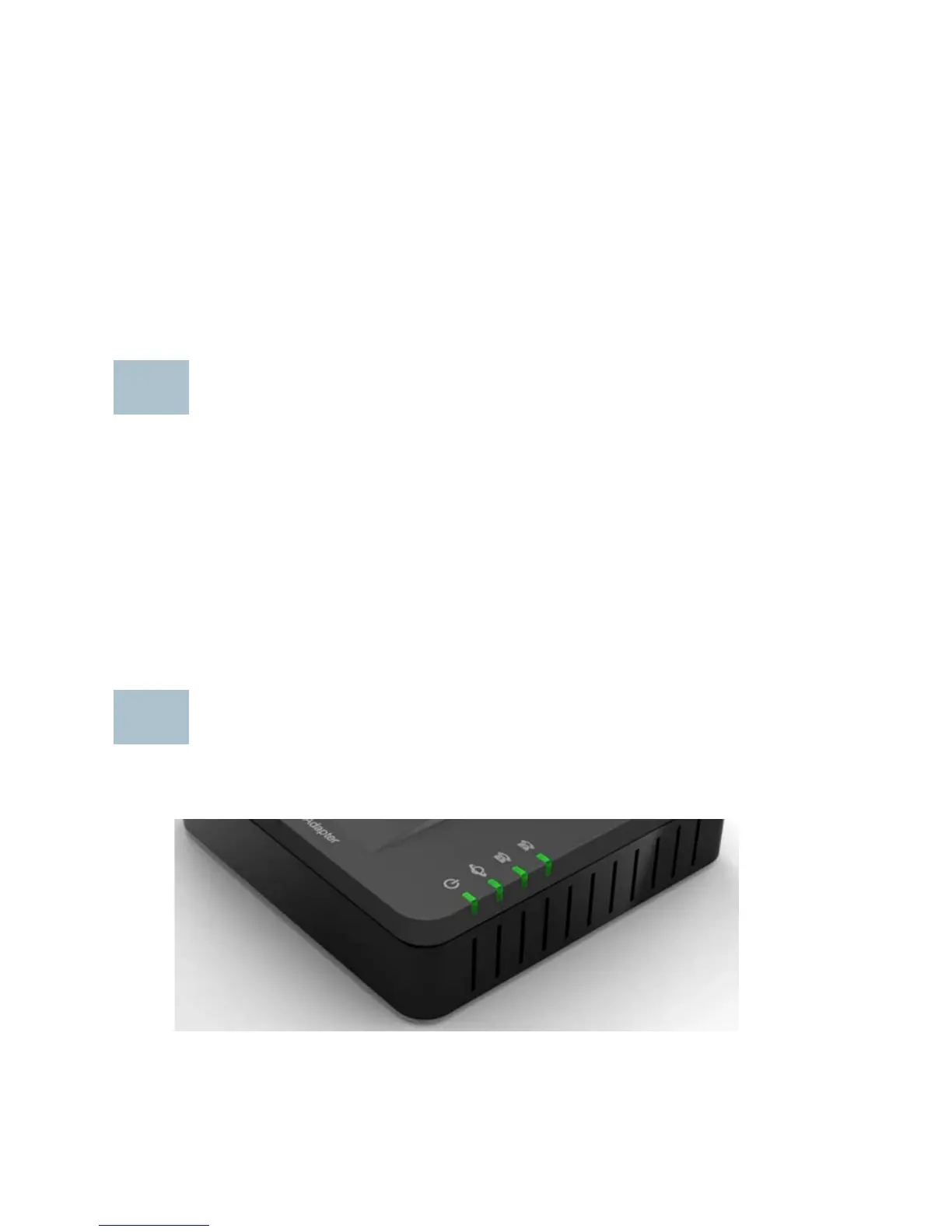
Top Panel



 To Next Page