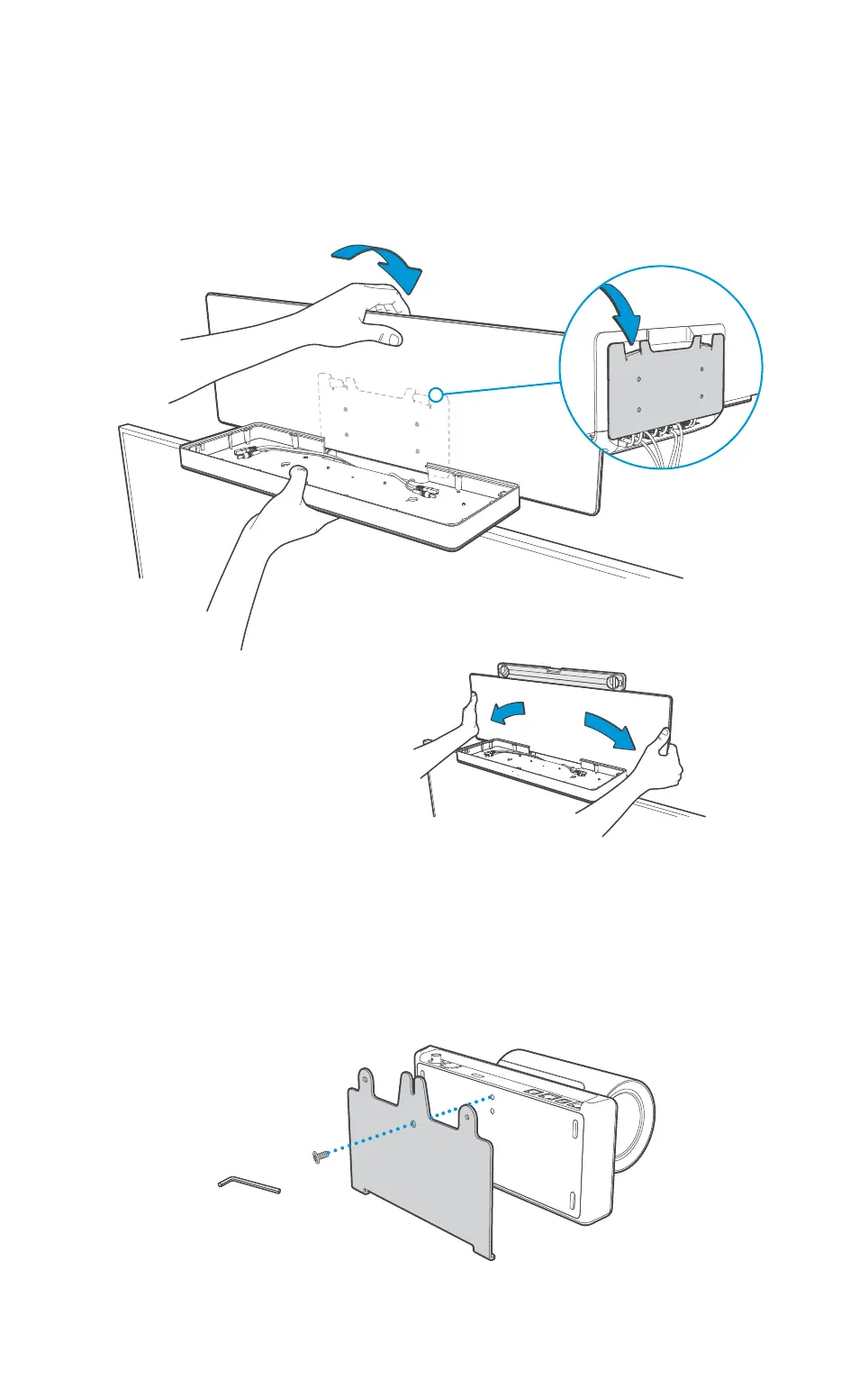
Mount the interface plate to the cameras
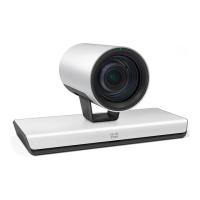
Place the camera (C) on a stable surface as illustrated. Use the 1/4” UNC screw (Q) and
Allen Key (N) and mount the camera interface plate (E) to the camera.
Repeat these steps for the second camera (C).
Mount the assembly to the wall
Hold and lift the unit as illustrated. Carefully place the unit onto the wall bracket.
Check that the unit is level. If not,
you can adjust the unit sideways.












 To Next Page