CHAPTER
2-1
Cisco Unified IP Phone Administration Guide for Cisco Unified Communications Manager 8.5
OL-23092-01
2
Preparing to Install the Cisco Unified IP Phone on
Your Network
Cisco Unified IP Phones enable you to communicate using voice over a data network. To provide this
capability, the IP Phones depend upon and interact with several other key Cisco Unified IP Telephony
and network components, including Cisco Unified Communications Manager, DNS and DHCP servers,
TFTP servers, media resources, Cisco prestandard PoE, and so on.
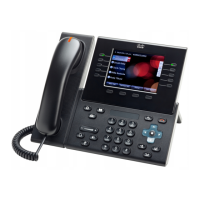
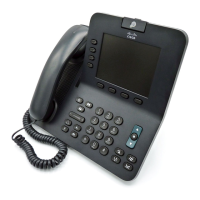
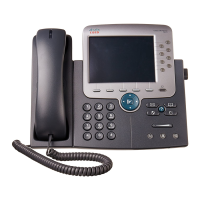
This chapter focuses on the interactions between the Cisco Unified IP Phones 7975G, 7971G-GE,
7970G, 7965G, and 7945G and Cisco Unified Communications Manager, DNS and DHCP servers,
TFTP servers, and switches. It also describes options for powering phones.
For related information about voice and IP communications, refer to this URL:
http://www.cisco.com/en/US/products/sw/voicesw/index.html
This chapter provides an overview of the interaction between the Cisco Unified IP Phone and other key
components of the Voice over IP (VoIP) network. It includes these topics:
• Understanding Interactions with Other Cisco Unified IP Communications Products, page 2-2
• Providing Power to the Phone, page 2-4
• Understanding Phone Configuration Files, page 2-7
• Understanding the Phone Startup Process, page 2-9
• Adding Phones to the Cisco Unified Communications Manager Database, page 2-11
• Using Cisco Unified IP Phones with Different Protocols, page 2-14
• Determining the MAC Address of a Cisco Unified IP Phone, page 2-15

 Need help?









 To Next Page
 General