How to Unset the system
When you enter your premises you will need to unset (or turn off) the system.
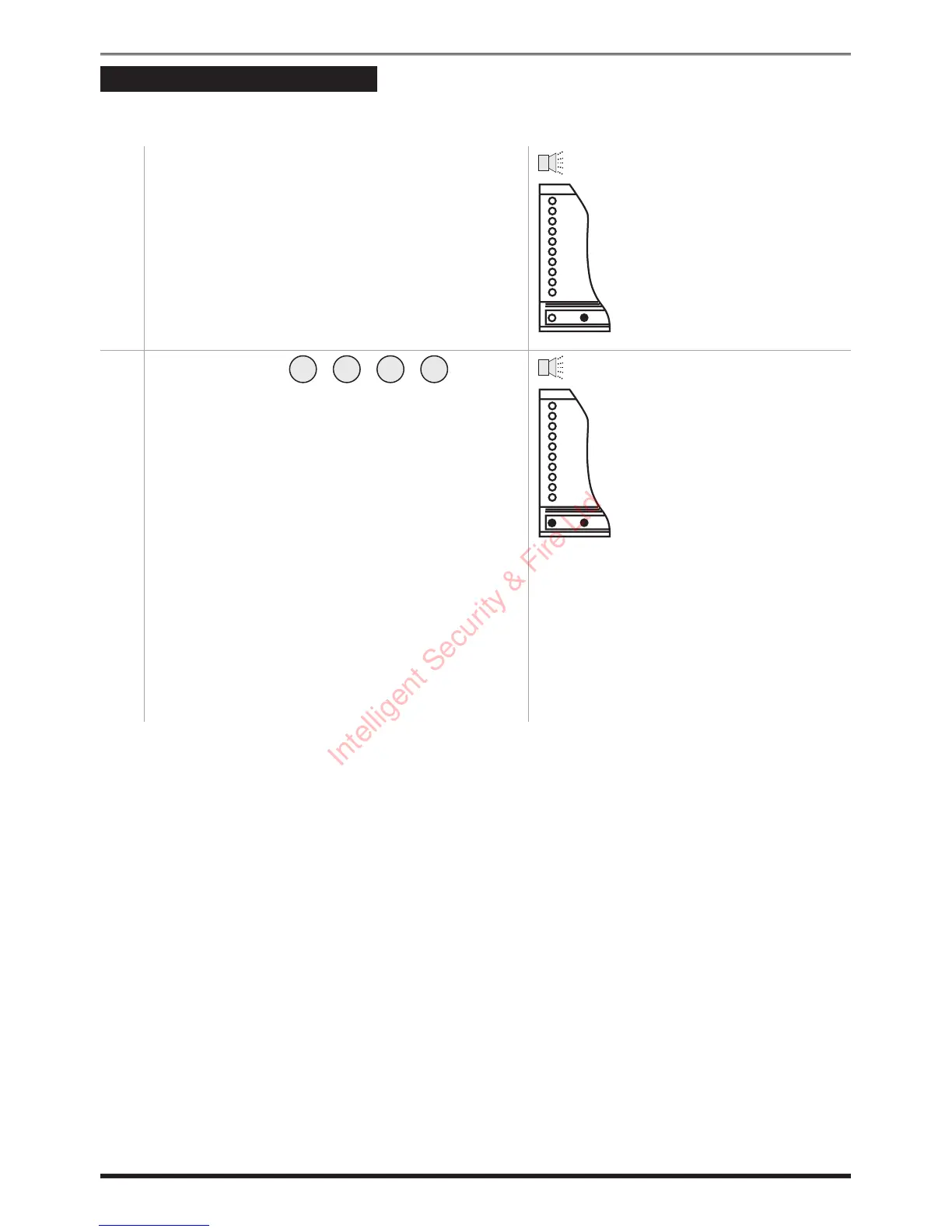
1. Enter your premises by the route recommended
by your installer. The system will produce an
entry beep tone.
2.
Key in your code , and the
entry tone will stop. The green Day indicator
will light.
If any Zone, Tamper or Attack indicator lights
up then an alarm has occurred, and an intrusion
may have taken place. Seek assistance before
investigating further as intruders may still be on
the premises. Then reset the system (refer to
page 7).
Note that when you enter your premises you
will have a short period of time, usually
30 seconds, to key in your code. If you fail to do
this the system will go into alarm. Key in your
code to stop the alarm.
4
Operating instructions
Entry beep



 To Next Page