EasyManua.ls Logo

Citizen CTE351XEEBX - User Manual

Citizen CTE351XEEBX
48 pages
Print Icon
To Next Page IconTo Next Page
Loading...
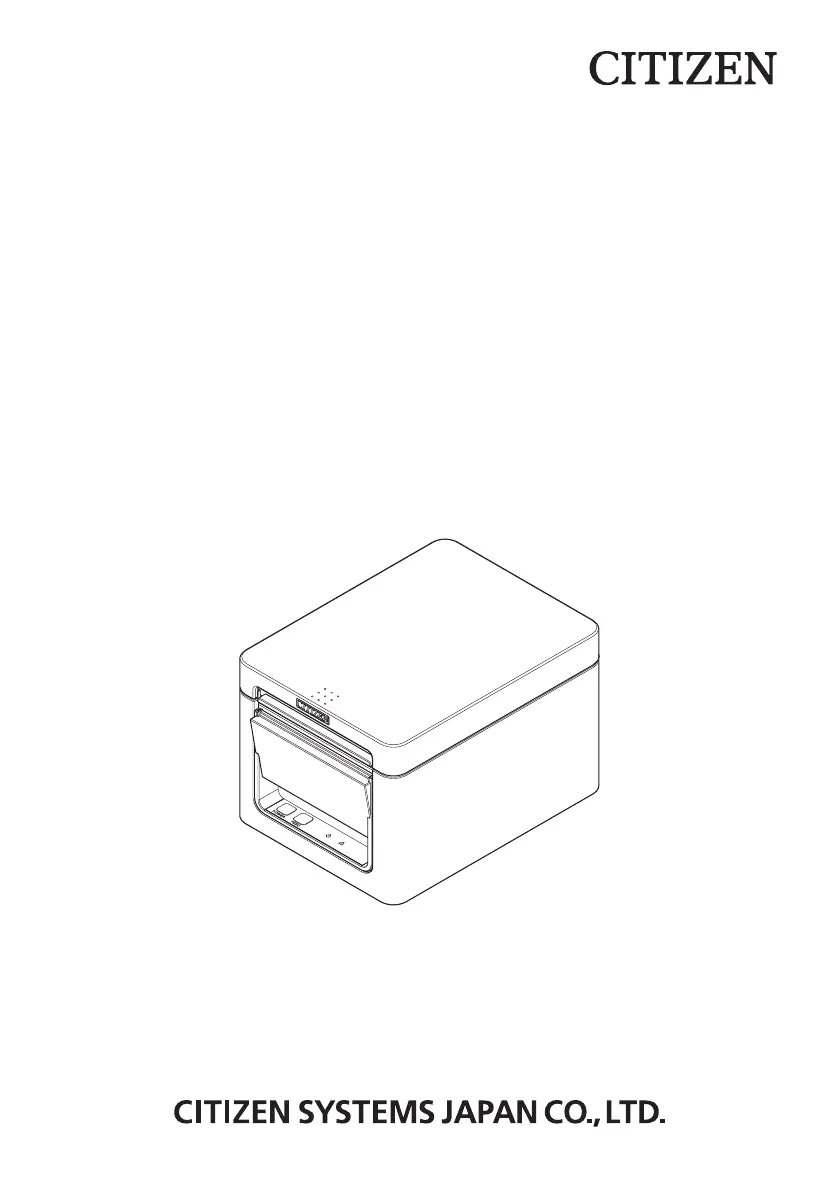
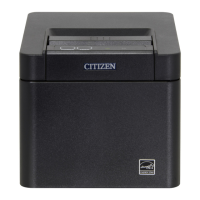
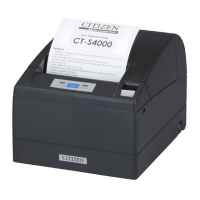
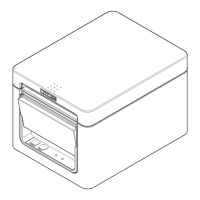
LINE THERMAL PRINTER
MODEL CT-E351
User’s Manual

Questions and Answers

  • E
    Edward SimpsonAug 8, 2025
    How to fix paper jams in Citizen Printer?
    • A
      Amy DonaldsonAug 8, 2025
      If your Citizen Printer is experiencing paper jams where the paper cannot exit and rolls up inside, open the paper cover and carefully pull the paper out to clear the jam.
  • Z
    zhardinAug 13, 2025
    What to do if my Citizen Printer says 'Paper End'?
    • J
      John SotoAug 13, 2025
      If your Citizen Printer displays 'Paper End', simply load a new paper roll to resume printing.
  • D
    David HudsonAug 17, 2025
    What to do if the cover is open on my Citizen CTE351XEEBX during printing?
    • J
      Jennifer LevineAug 17, 2025
      If the cover of your Citizen Printer is opened during printing, check the paper, gently pull it straight out a couple of centimeters, and then close the cover to continue.
  • M
    Michael WilcoxAug 21, 2025
    What to do if my Citizen Printer displays a Cutter Error?
    • S
      shaungrantAug 21, 2025
      To resolve a Cutter Error on your Citizen Printer, turn off the power, open the paper cover, and remove any jammed paper or scraps. Reload the paper roll, close the cover, and then turn the power back on.
  • S
    Sara MooreAug 26, 2025
    Why is the print head hot on my Citizen CTE351XEEBX Printer?
    • T
      Thomas StokesAug 26, 2025
      If your Citizen Printer's print head is too hot, which may occur due to dense or heavy black printing in a high-temperature environment, wait for the print head temperature to decrease. Printing should restart automatically once it has cooled down.
  • M
    mmurphyAug 29, 2025
    How to change printing speed on Citizen CTE351XEEBX?
    • A
      Alan IbarraAug 29, 2025
      To address issues with printing speed changes on your Citizen Printer, adjust the memory switch settings. Enable MSW2-3 (buffering), increase the baud rate of MSW7-1 (serial baud rate), and reduce the print speed by changing MSW10-2 to a lower level.
  • D
    Daniel WelchSep 2, 2025
    How to clean print head on Citizen Printer?
    • H
      hollyhughesSep 2, 2025
      To clean a dirty print head or platen on your Citizen Printer, periodically (every 2 to 3 months) use a cotton swab dampened with ethyl alcohol to wipe off any dirt and dust.

Citizen CTE351XEEBX Specifications

General IconGeneral
BrandCitizen
ModelCTE351XEEBX
CategoryPrinter
LanguageEnglish

Related product manuals