EasyManua.ls Logo

Citizen CT-S851 - User Manual

Citizen CT-S851
60 pages
Print Icon
To Next Page IconTo Next Page
Loading...
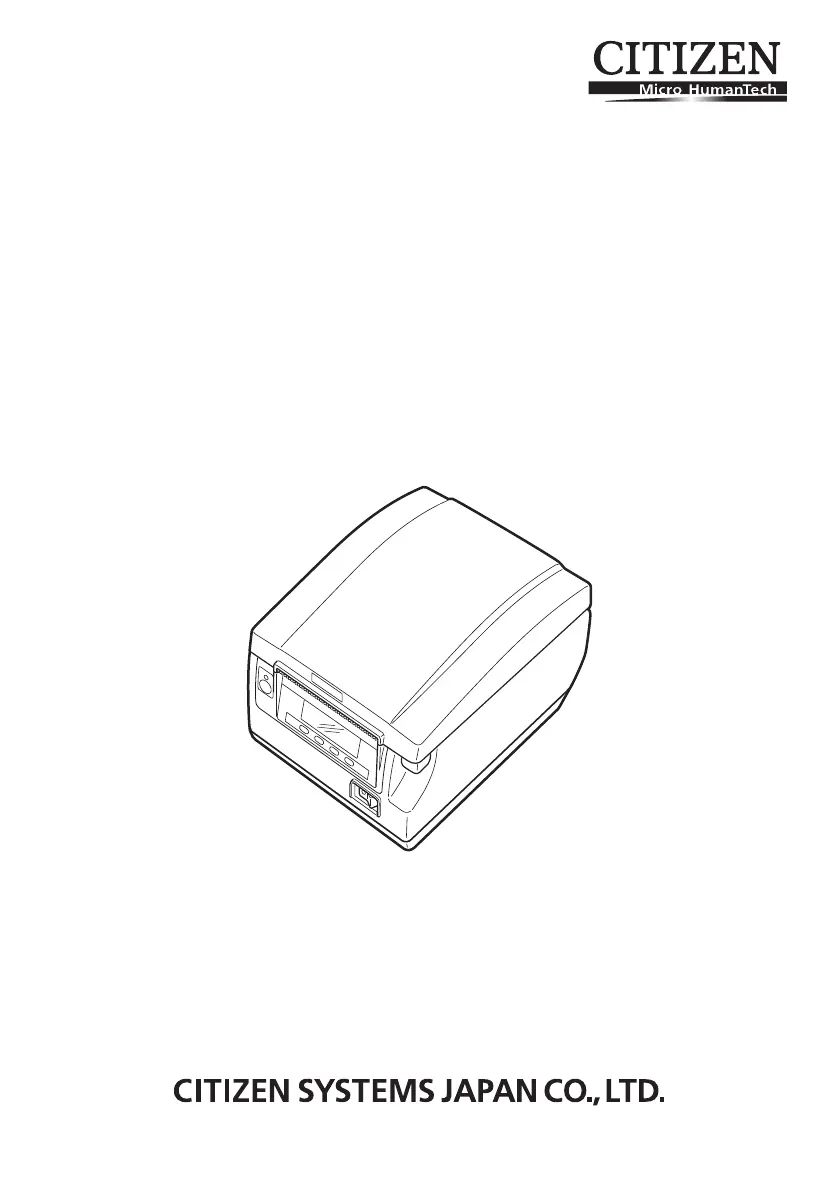
LINE THERMAL PRINTER
MODEL CT-S851 Type II
User’s Manual

Questions and Answers

  • C
    Carly TaylorJul 31, 2025
    Why is my Citizen CT-S851 printing poorly?
    • R
      Russell HouseJul 31, 2025
      Reduced printing quality or malfunctions may occur if the print head or platen are dirty. To resolve this, it's recommended to clean the Citizen Printer periodically, approximately every 2 to 3 months, using the cleaning procedure as shown in the manual.
  • P
    Patricia AllenAug 9, 2025
    How to clean a dirty print head on a Citizen Printer?
    • W
      Whitney McmahonAug 10, 2025
      To resolve a dirty print head or platen on your Citizen Printer, turn off the power, open the paper cover, and wait for the print head to cool down. Then, use a cotton swab dampened with ethyl alcohol to gently wipe off any dirt and dust from the print head and platen. It's recommended to clean the printer periodically, about every 2 to 3 months.
  • J
    James AtkinsAug 20, 2025
    What to do if paper dust collects on the sensor’s protective sheet of Citizen Printer?
    • D
      Dillon WarnerAug 21, 2025
      If paper dust collects on the sensor’s protective sheet of your Citizen Printer, clean the sheet using a cotton swab dampened with a little water. Ensure there are no water drops on the cotton swab before wiping the protective sheet.

Summary

Safety Precautions

Warning and Caution Levels

Defines the severity levels of WARNING and CAUTION symbols for user safety awareness.

Safety Symbols Explained

Explains the meaning and purpose of various symbols used to highlight critical safety information.

Printer Installation Precautions

Environment and Handling Safety

Cautions regarding installation environment, foreign objects, and child safety to prevent accidents.

Usage and Grounding Cautions

Environmental Usage Conditions

Lists specific environmental conditions to avoid for proper printer operation and longevity.

Printer Handling Precautions

Power Cord and Outlet Safety

Emphasizes safe practices for handling the power cord and connecting to power outlets.

Operational and Handling Cautions

Printer Operation Safety

Safety measures for operating the printer, including paper loading and interface connections.

Maintenance and Component Cautions

Component Handling Cautions

Warnings regarding the printer's hot components and moving parts to prevent injury.

Basic Specifications

Technical Specifications

Details technical specifications like print speed, dot density, memory, and interfaces.

Printer Parts Explanation

Operation Panel Overview

Details the LCD, LED indicators, and buttons on the printer's control panel.

Printer Setup

Connecting AC Power Cord

Provides step-by-step instructions for connecting the printer's power supply.

Connecting Interface Cables

Guides users on connecting various interface cables for communication.

Changing Network Settings

Steps to access and modify network settings using a web browser.

Web Manager Configuration

Instructions for using the Web Manager tool to configure wireless LAN settings.

CONFIG Screen Login

Details the login procedure for accessing the configuration screen of the wireless LAN board.

Installing Printer Driver

Information on downloading and installing the necessary printer drivers for computer use.

Maintenance and Troubleshooting

Clearing Cutter Lock Issues

Step-by-step instructions to resolve cutter lock errors caused by paper jams or obstructions.

Error Messages and Remedies

Lists common error messages, their meanings, and recommended solutions for troubleshooting.

Error Status and Remedies Table

A detailed table mapping error statuses to messages, LED indicators, and required remedies.

Additional Information

Citizen CT-S851 Specifications

General IconGeneral
BrandCitizen
ModelCT-S851
CategoryPrinter
LanguageEnglish

Related product manuals