EasyManua.ls Logo

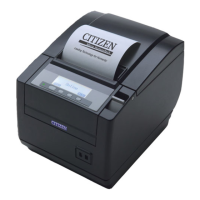
Citizen CT-S851 III - User Manual

Citizen CT-S851 III
63 pages
Print Icon
To Next Page IconTo Next Page
Loading...
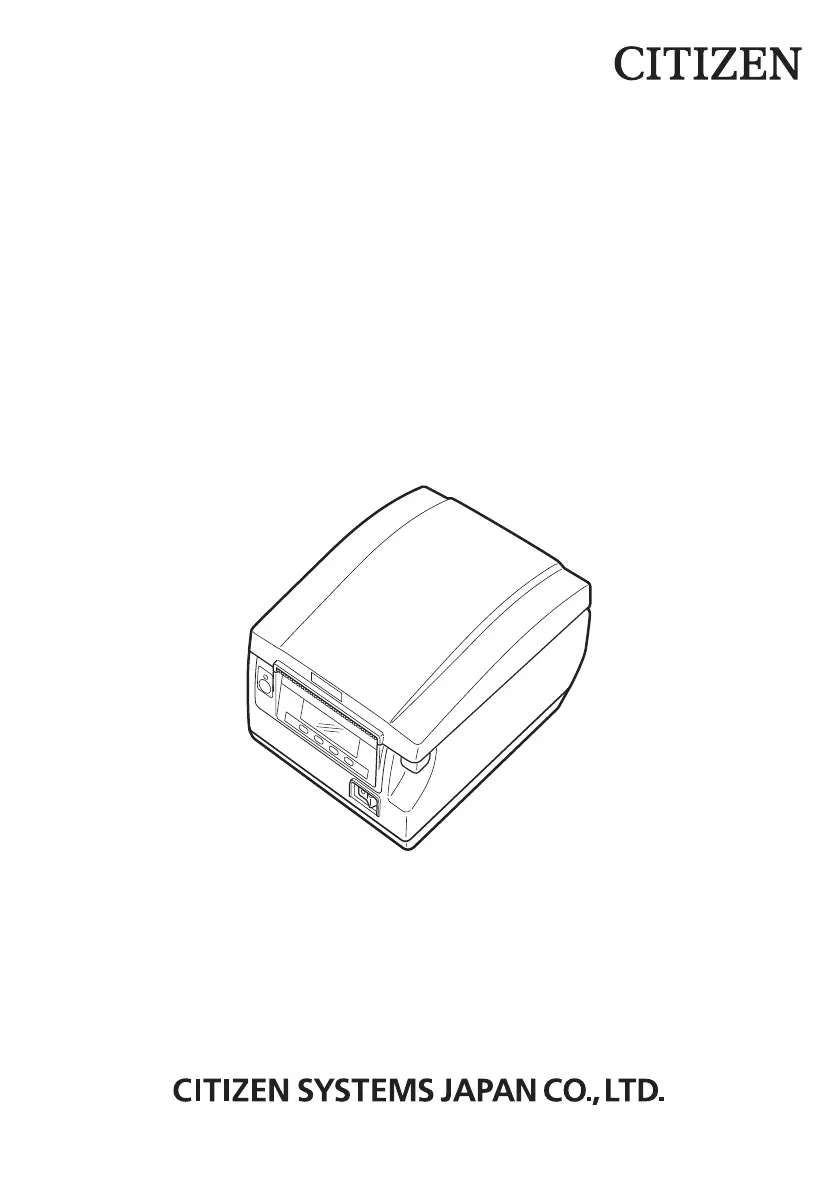
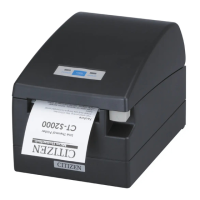
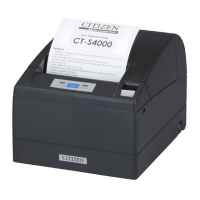
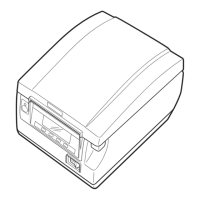
LINE THERMAL PRINTER
MODEL CT-S851 Type III
User’s Manual

Questions and Answers

  • J
    James RobertsJul 28, 2025
    How to clean print head on Citizen CT-S851 III Printer?
    • J
      James BradleyJul 28, 2025
      To maintain the Citizen Printer and prevent printing quality issues or malfunctions, it's recommended to clean it every 2 to 3 months. Use a cotton swab dampened with ethyl alcohol to gently wipe off any dirt and dust from the print head and platen.

Summary

Product Overview and Safety

Regulatory Compliance

Compliance statements for European Union and Canadian regulations concerning electronic devices.

General Precautions

Essential guidelines and notices to read before using the printer.

Safety Precautions

Critical safety warnings defining hazard levels and essential observations.

Printer Installation Precautions

Guidelines for safe and proper printer placement and environment to prevent hazards.

Printer Handling Precautions

Rules for safe handling of the printer and its power cord to prevent electric shock or fire.

Setup and Configuration

Connecting the AC Power Cord

Step-by-step guide for connecting the printer to a power source.

Serial Interface Board

Information on connecting the printer via a serial interface, including pinouts and DIP switch settings.

Parallel Interface Port

Details on using the parallel interface for data transmission and its specifications.

Printer Installation Guidelines

Precautions specific to the physical installation and positioning of the printer for safe operation.

Maintenance and Troubleshooting

Clearing Printer Errors

Procedures for resolving cutter lock errors and other operational issues.

Citizen CT-S851 III Specifications

General IconGeneral
Resolution203 dpi (8 dots/mm)
Power SupplyAC 100-240V, 50/60Hz
InterfaceUSB, Serial
Paper TypeThermal Paper
Paper Width58 mm, 80 mm
Weight1.7 kg
Operating Temperature5°C to 45°C
BarcodesUPC-A, UPC-E, EAN-13, EAN-8, CODE 39, CODE 128, CODE 93, ITF
2D SymbologiesQR Code, PDF417
Print MethodThermal transfer and direct thermal
Print Speed300 mm/sec

Related product manuals