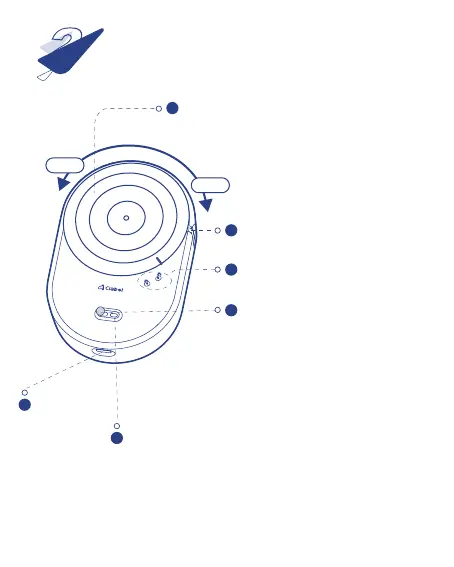
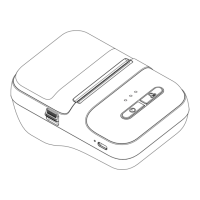
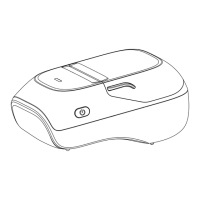
Appearance Component
2
1
Top cover
2
Exit
3
Open or close the cover
4
Power switch
5
LED indicator
6
USB connector
OPEN
CLOSE
⦿ Press the top cover and rotate it to the left
to open and to the right to close.
⦿ Flick the switch and hold for two
seconds to switch on the printer.
⦿ Flick the switch 1 time to advance
a printing paper.
⦿ Flick the switch 2 times to print a
self-test page.
⦿ Blue indicator blinking: Bluetooth disconnected.
⦿ Blue indicator on constantly: Bluetooth connected.
⦿ Blue indicator flashing: Low battery. Please charge the battery.
⦿ Red indicator on constantly: Charging.
⦿ Green indicator on constantly: Fully charged.



 To Next Page