Need help?
Do you have a question about the claber AQUAUNO VIDEO-2 and is the answer not in the manual?
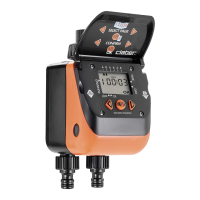
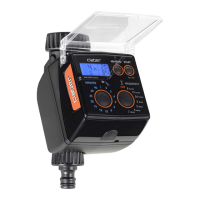
Connect the timer to the tap and water system, avoiding indoor or underground installation.
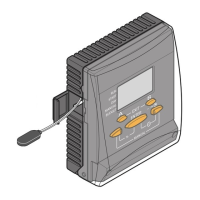
Open the timer by pressing side buttons and insert a new branded 9V alkaline battery.
Set the current time by pressing ENTER and using arrow keys, then confirm.
Set the opening time for the first irrigation program using arrow keys and confirm.
Set the closing time for the first irrigation program, one minute after opening, using arrow keys.
Choose specific days for watering by selecting them and confirming with ENTER.
Perform a manual irrigation cycle for 15 minutes without deleting existing programs.
Delete a specific irrigation program by entering CLOSED mode and using specific button combinations.
Reset the timer to factory defaults by pressing and holding both arrow buttons simultaneously.
Connect the optional Rain Sensor to automatically skip irrigation when it rains.
Clean the filter at the end of each season and follow instructions for internal component maintenance.
Disconnect and store the timer in a closed, dry place away from frost, above 3°C.
 General
| Display | LCD |
|---|---|
| Weatherproof | Yes |
| Battery Life | Up to 1 year |
| Type | Electronic |
| Frequency | Daily, Every 2 days, Every 3 days, Weekly |
| Power Supply | 2 x 1.5V AA batteries |
| Valve Control | Solenoid valve |

 To Next Page