Page 1
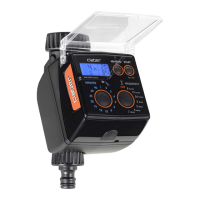
Fix the timer to a wall in a covered location, sheltered from weather and splashing water; ambient temperature
between 0 and 50 °C. Do not install the timer outdoors or in underground valve box.
Before connecting the timer to the electrical power supply, install the 9V backup battery, which will ensure that the clock
setting and programme data will not get lost in case of a mains power failure. Open the snap-t cover of the battery pocket.
Pull out the cable (and the old battery, in case of a replacement). Connect or replace the battery. Reposition the cable and
the battery in the pocket and close the cover. If the back-up battery is missing or at, the message “ ” appears.
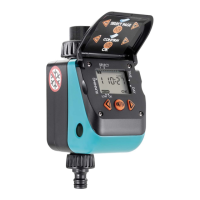
For Cometa Evolution 4 Zone (p/n): 8014
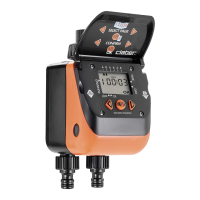
For Cometa Evolution 6 Zone (p/n): 8016
For Cometa Evolution 4 Zone (p/n): 8014
For Cometa Evolution 6 Zone (p/n): 8016
Cometa
Cometa
User manual
User manual
1
1
2
2
3
3
1
1
2
2
3
3
a
a
6mm
6mm
TSP 4x30
b
b
a
a
a
a
a
a
b
b
b
b
b
b
c
c
OK!
NO!
min. 0°C
max. 50°C
8 9
10 11 12MV
8 9
10 11 12MV
8 9
10 11 12MV
2 - 3 sec.
9 V
Alcaline

 Need help?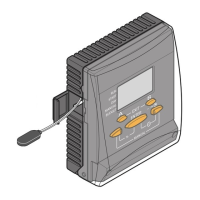

 To Next Page
 General