Page 12
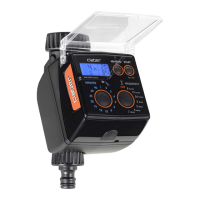
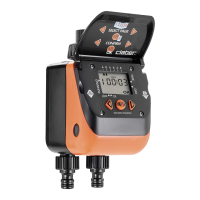
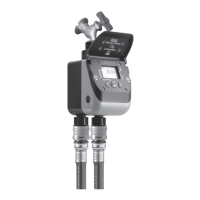
For Cometa Evolution 4 Zone (p/n): 8014
For Cometa Evolution 6 Zone (p/n): 8016
% FUNCTION
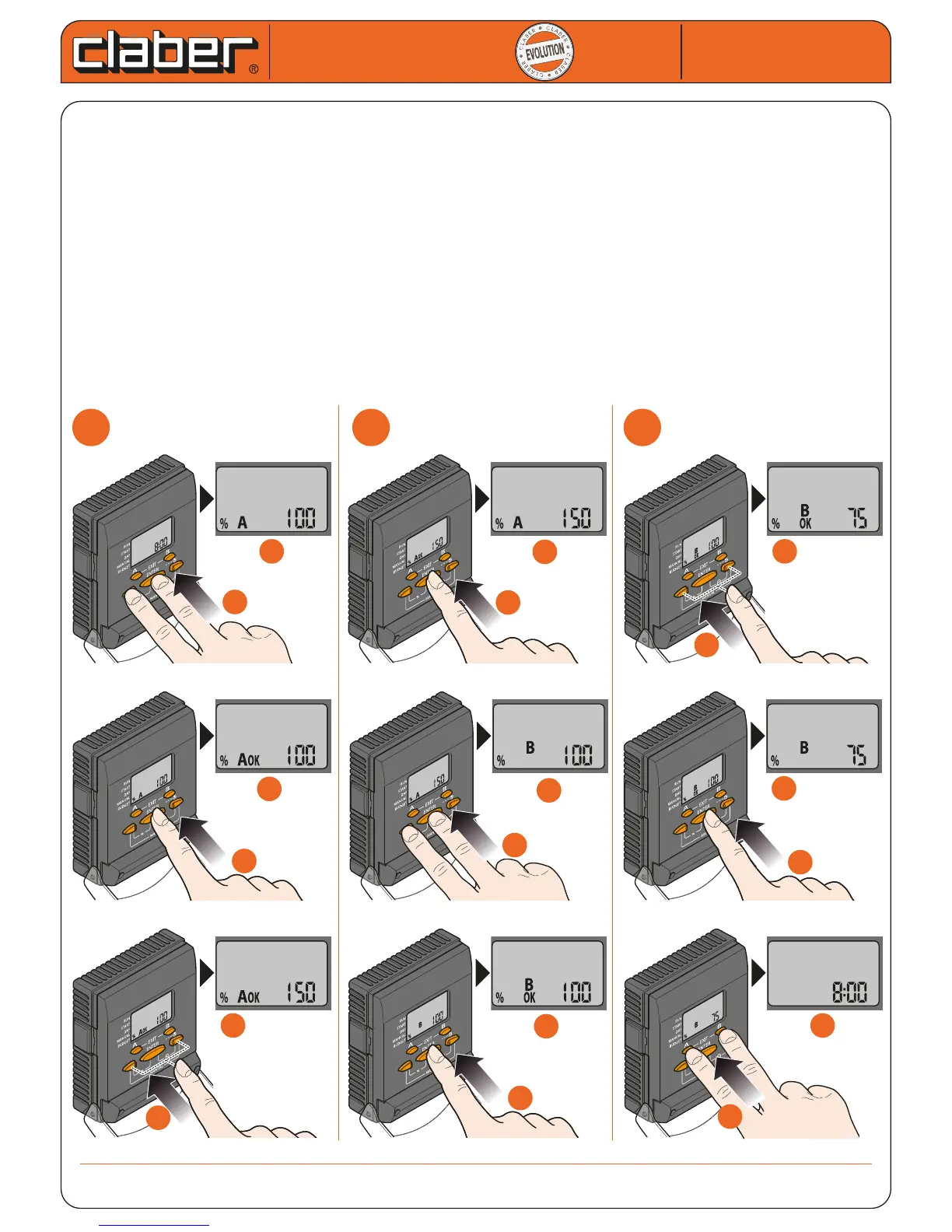
The BUDGET function enables an easy and swift adjustment of the selected programme duration to changing
climatic conditions; times can be varied without diculty: either reduced to 0 (this is the quickest way to deacti-
vate the set programme) or increased to 200%, without any need to change the watering duration selected in
the programmes. 100% corresponds to the duration set when the timer is programmed. The adjustment is inde-
pendent for each programme (A and B).
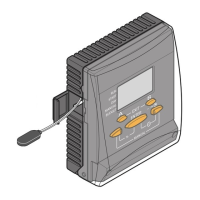
- press the left arrow and the middle button (%): the symbols % and A will appear
- press ENTER to activate the selection of a percentage for programme A
- use the arrows to select the percentage (e.g. from 100% to 150%)
- press ENTER to conrm the setting for programme A
- press the left arrow and the middle button again (%): the symbols % and B appear
- repeat steps 2) to 4) to select the percentage for programme B (example: from 100% to 75%)
- press ENTER to conrm the setting for programme B
- press EXIT (buttons A and B) to quit the % function
Cometa
Cometa
User manual
User manual
1
1
2
2
3
3
b
b
a
a
b
b
a
a
f
f
d
d
c
c
e
e
d
d
d
d
c
c
c
c
0 ÷ 200
f
f
f
f
e
e
0 ÷ 200
b
b
a
a
0 ÷ 200
e
e


 To Next Page