Page 10
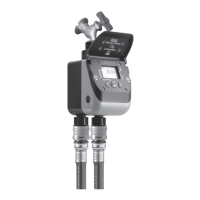
For Cometa Evolution 4 Zone (p/n): 8014
For Cometa Evolution 6 Zone (p/n): 8016
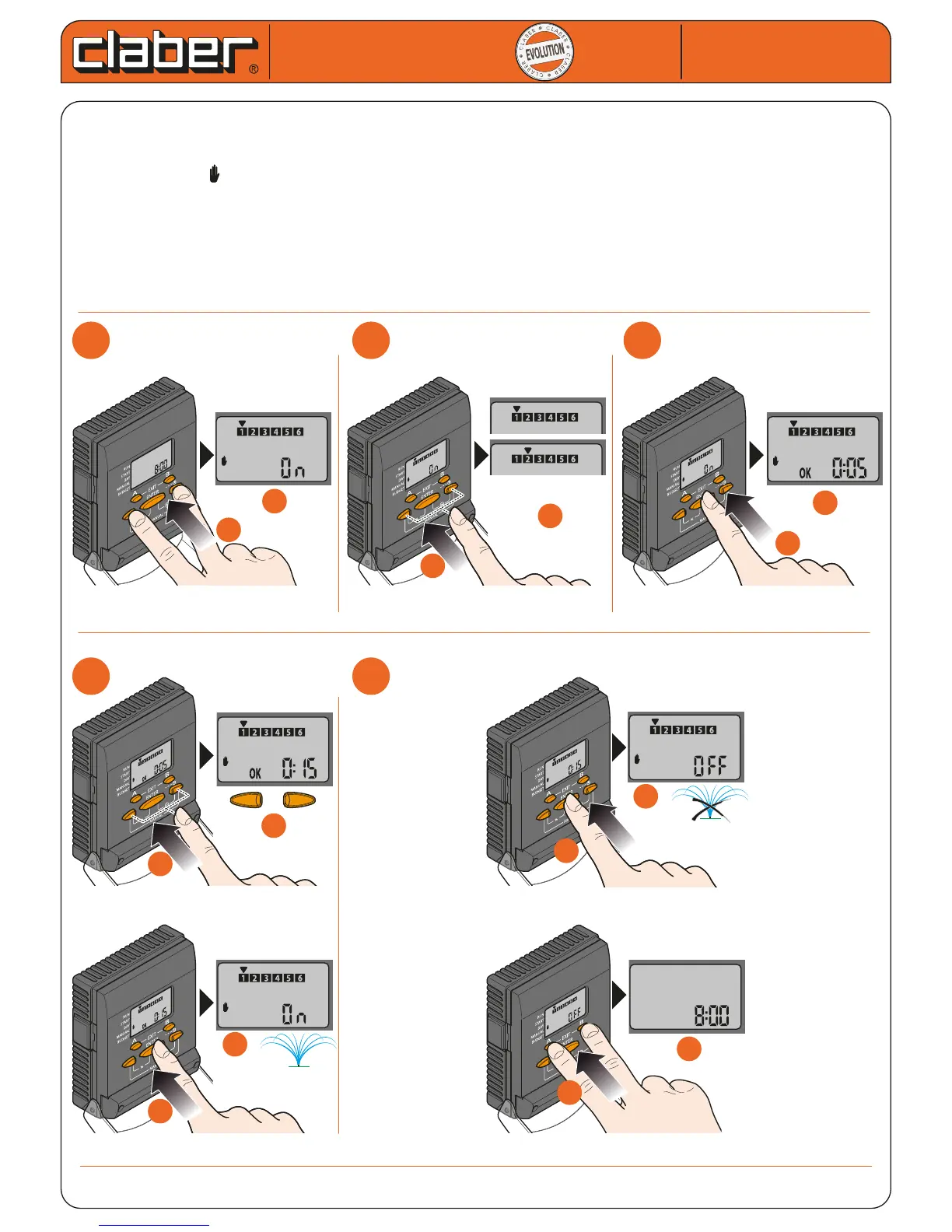
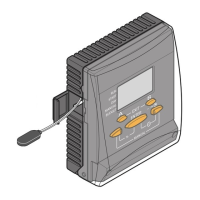
MANUAL OPERATION
This function can be used to open a single solenoid valve immediately and for a timed duration.
-
press the two arrow buttons simultaneously three times (MANUAL) until the display shows only the numbers of
the valves, the symbol and the message ON or OFF; the cursor blinks on the rst valve available
- select the valve to be opened by moving the cursor with the arrows
- press ENTER to conrm the selection, and proceed to set the watering duration
- use the arrows to set the duration of watering in hours and minutes (up to 4h and 15’)
- press ENTER to conrm the setting; watering will start immediately
- press ENTER to stop watering before the set time has elapsed, if required
- press EXIT (buttons A and B) to quit the manual function
Cometa
Cometa
User manual
User manual
1
1
2
2
3
3
b
b
a
a
b
b
b
b
a
a
x 3
... valve 3-4-5-6
a
a
4
4
5
5
d
d
max 4
h
15
’
START!
b
b
b
b
a
a
+
-
c
c
a
a
STOP!
d
d
c
c


 To Next Page