Page 5
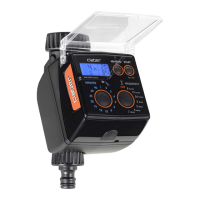
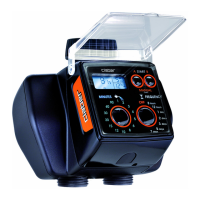
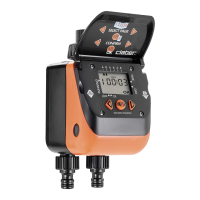
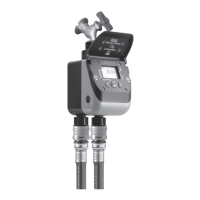
For Cometa Evolution 4 Zone (p/n): 8014
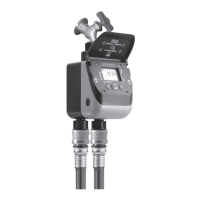
For Cometa Evolution 6 Zone (p/n): 8016
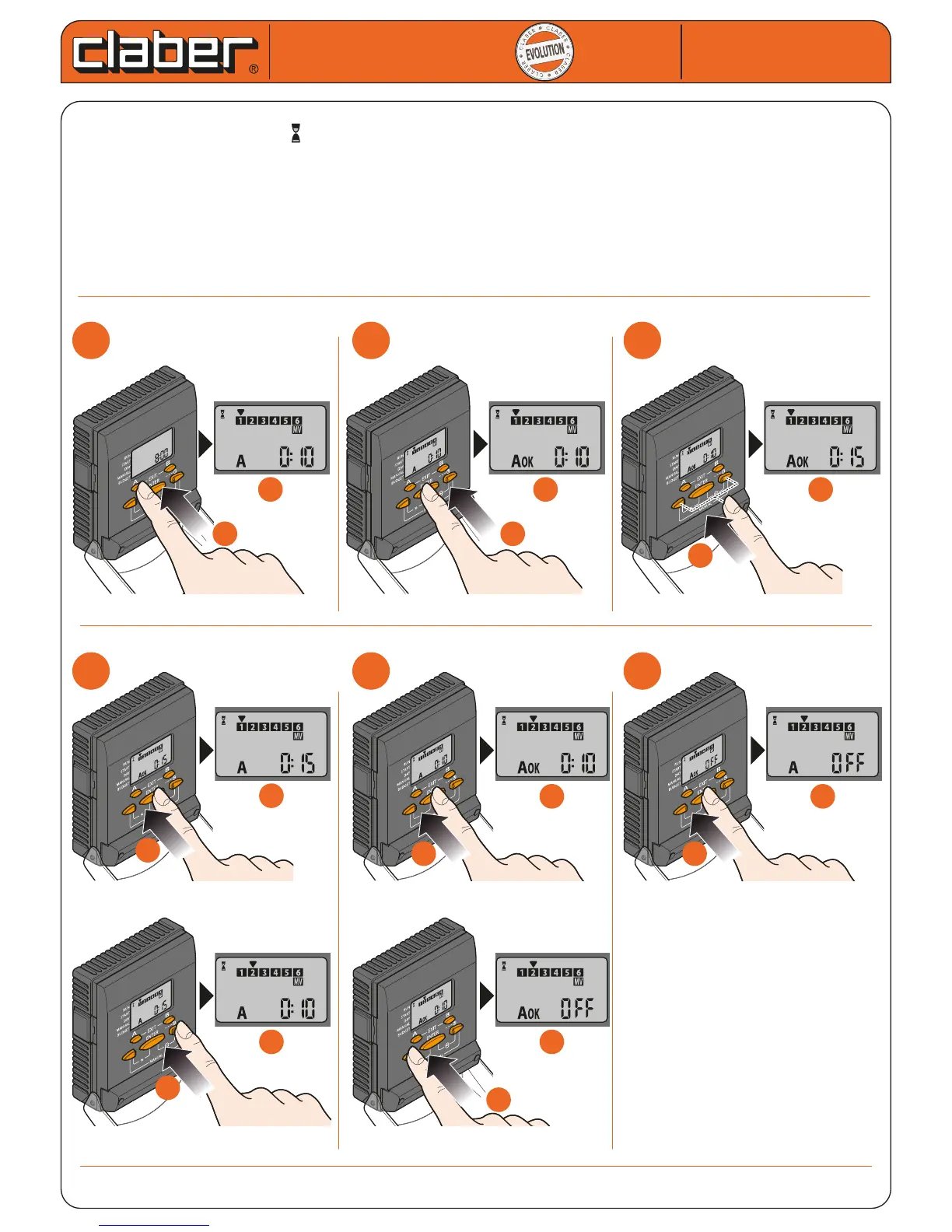
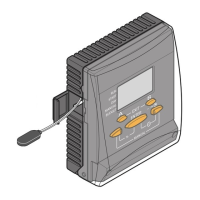
SETTING PROGRAMME A - DURATION
- press button A once: the symbol appears, the cursor blinks on valve 1 of the 4 or 6 valves available, and
the relative duration is displayed (0:10)
- press ENTER to activate the line 1 duration setting procedure
- use the arrows to select the duration (e.g. 0:15) (max 4 hours e 15 minutes)
- press ENTER to conrm the setting
-
press the right arrow to select the next valve (up to 4 for the Cometa 4 zone timer, up to 6 for the Cometa 6 zone)
- repeat the same sequence of steps for all the valves. To deselect a valve, if required, simply set the duration
to OFF, pressing the left arrow
Cometa
Cometa
User manual
User manual
1
1
2
2
3
3
a
a
a
a
b
b
b
b
b
b
a
a
4
4
5
5
6
6
d
d
b
b
b
b
a
a
c
c
d
d
c
c
x 10
a
a
b
b
a
a


 To Next Page