Page 9
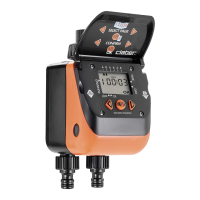
For Cometa Evolution 4 Zone (p/n): 8014
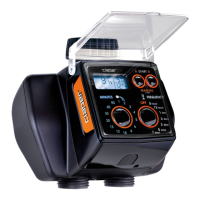
For Cometa Evolution 6 Zone (p/n): 8016
SEMI-AUTOMATIC MODE
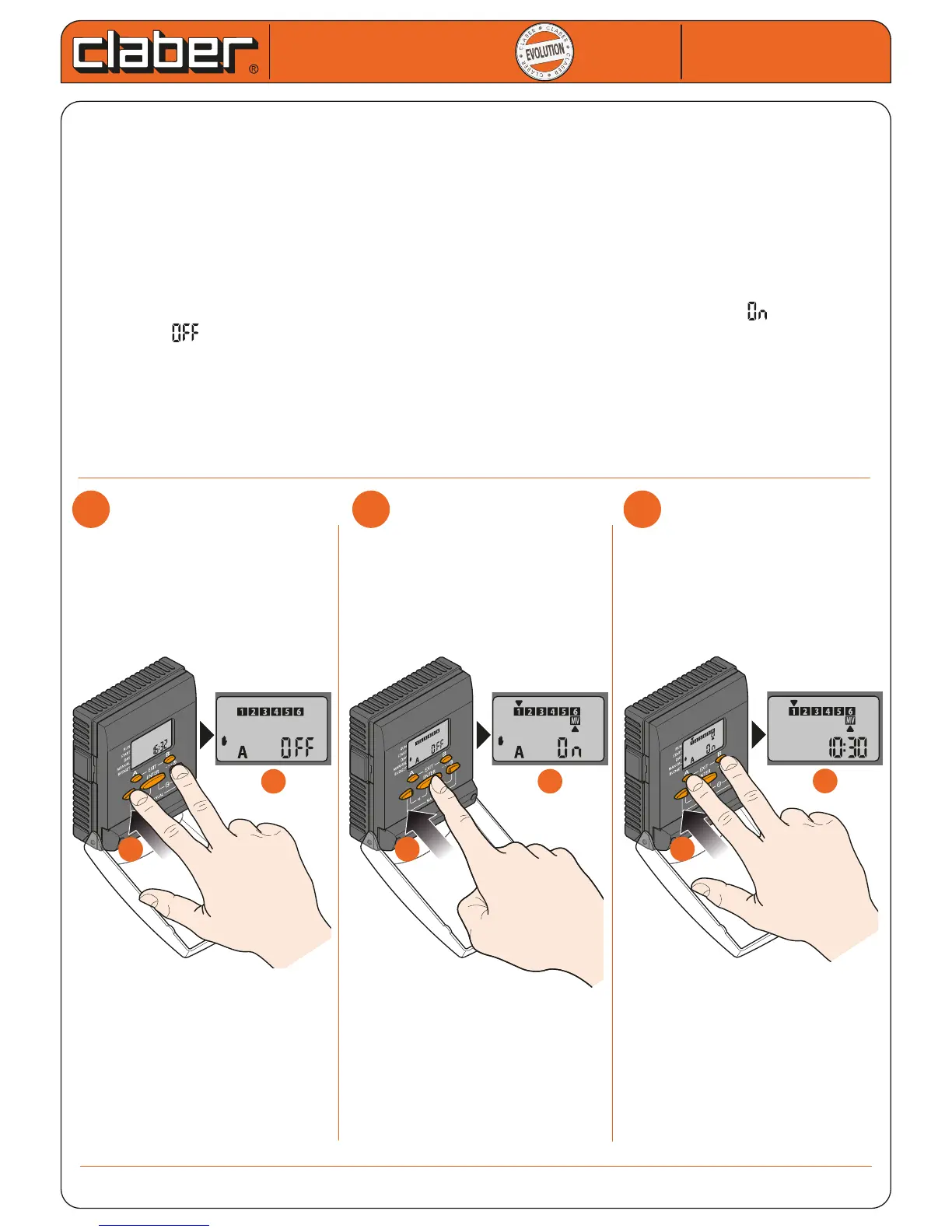
The SEMI-AUTOMATIC mode allows a single watering cycle to be started immediately in accordance with the run
time set in one of the Programmes A or B; this is useful in providing additional watering if necessary.
The opening run times of the valves are those set in Programme A or B, while the function does not consider:
- START TIMES (watering start times);
- CYCLICAL/WEEKLY SCHEDULE (on which days Programme activation was planned) since watering is imme-
diate.
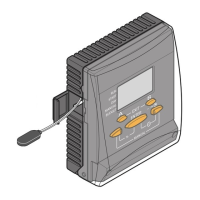
- press the arrows once at the same time (SEMI-AUTOMATIC mode of Programme A) or twice (SEMI-
AUTOMATIC mode of Programme B)
- Press ENTER to activate the selected programme or suspend it if previously activated. = programme
activated, = programme suspended.
- Press A and B at the same time to exit the function.
In SEMI-AUTOMATIC mode the display will show all the numbers of the active valves, with the cursor on the
active valve; if it is ashing this indicates that the valve is activated by Programme A, if it is permanently on it
indicates that the valve is activated by Programme B or that it is activated in the Manual or Test mode.
SEMI-AUTOMATIC mode is not permitted if MANUAL or TEST modes are active.
Cometa
Cometa
User manual
User manual
2
2
3
3
b
b
a
a
b
b
a
a
1
1
b
b
a
a


 To Next Page