EtherUSB and EthIR LAN AdminTool User Manual
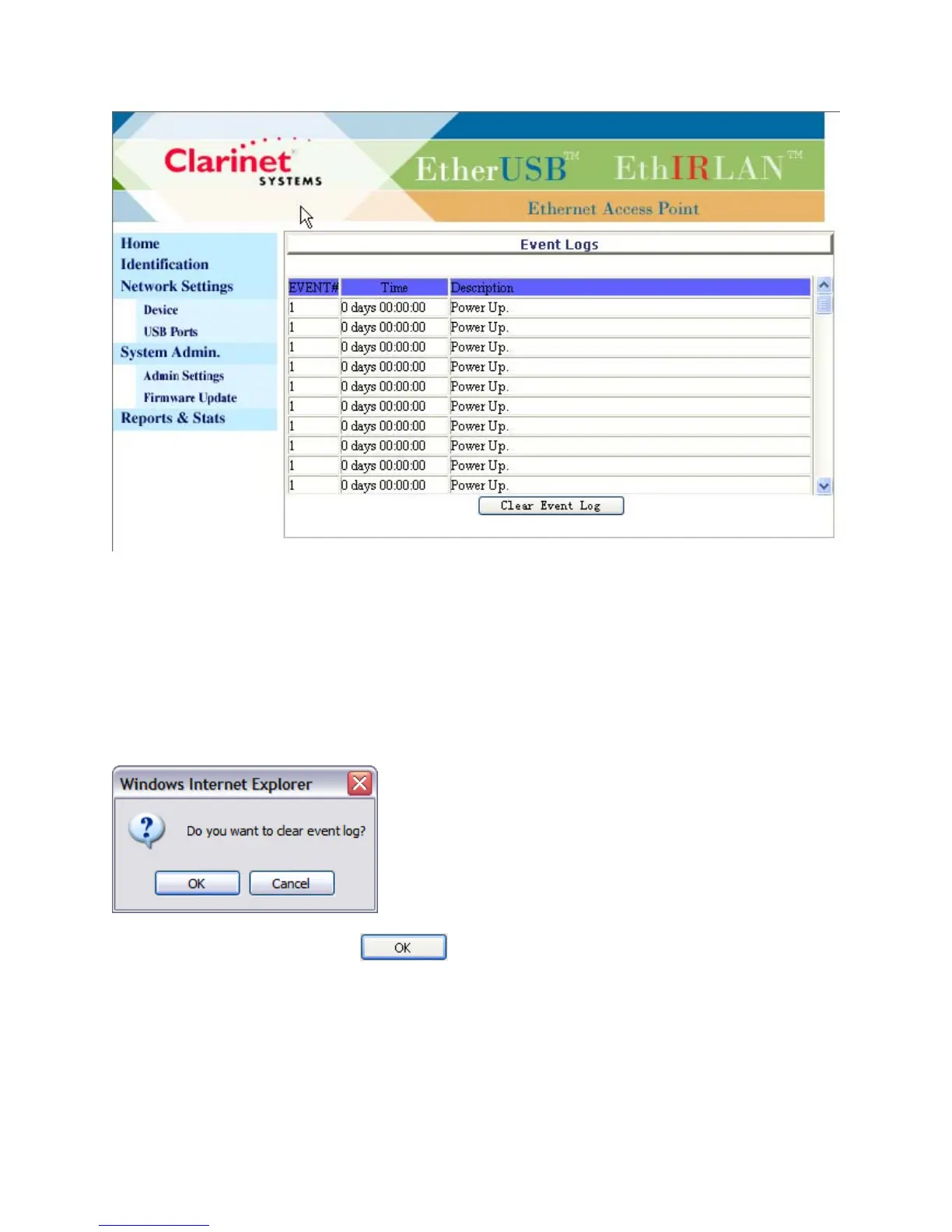
The Reports & Stats page provides the user Event Logs with information about the
device status. Selecting “Clear Event Log” will reset the Event Logs and take effect
after clicking, without the need for selecting “SYSTEM RESTART” on Admin Settings
page or power cycling. One hundred latest events will be kept. Event number will
restart after power up, System Restart, and Restore Factory Default.
The following box will be prompted once “Clear Event Log” is clicked.
The page will be refreshed once is clicked.
Clarinet Systems, Inc //www.clarinetsys.com Page 8



 To Previous Page