EtherUSB and EthIR LAN AdminTool User Manual
Introduction
This document describes the graphic user interface (GUI) of the EtherUSB™ AdminTool
and is designed to explain by graphic examples the functions of this configuration and
administration software utility. AdminTool can be accessed via URL http://IP-
address:9876 or http://Device-name:9876. EA104 belongs to EtherUSB product line.
This AdminTool also is shared by EthIR LAN™ ESB5001/5004.
Login Screen
When the EA104 device is plugged in and connected to the network, open an Internet
Explorer browser window and enter the following into the URL area and press enter.
http://IP-address:9876 (or http://Device-name:9876)
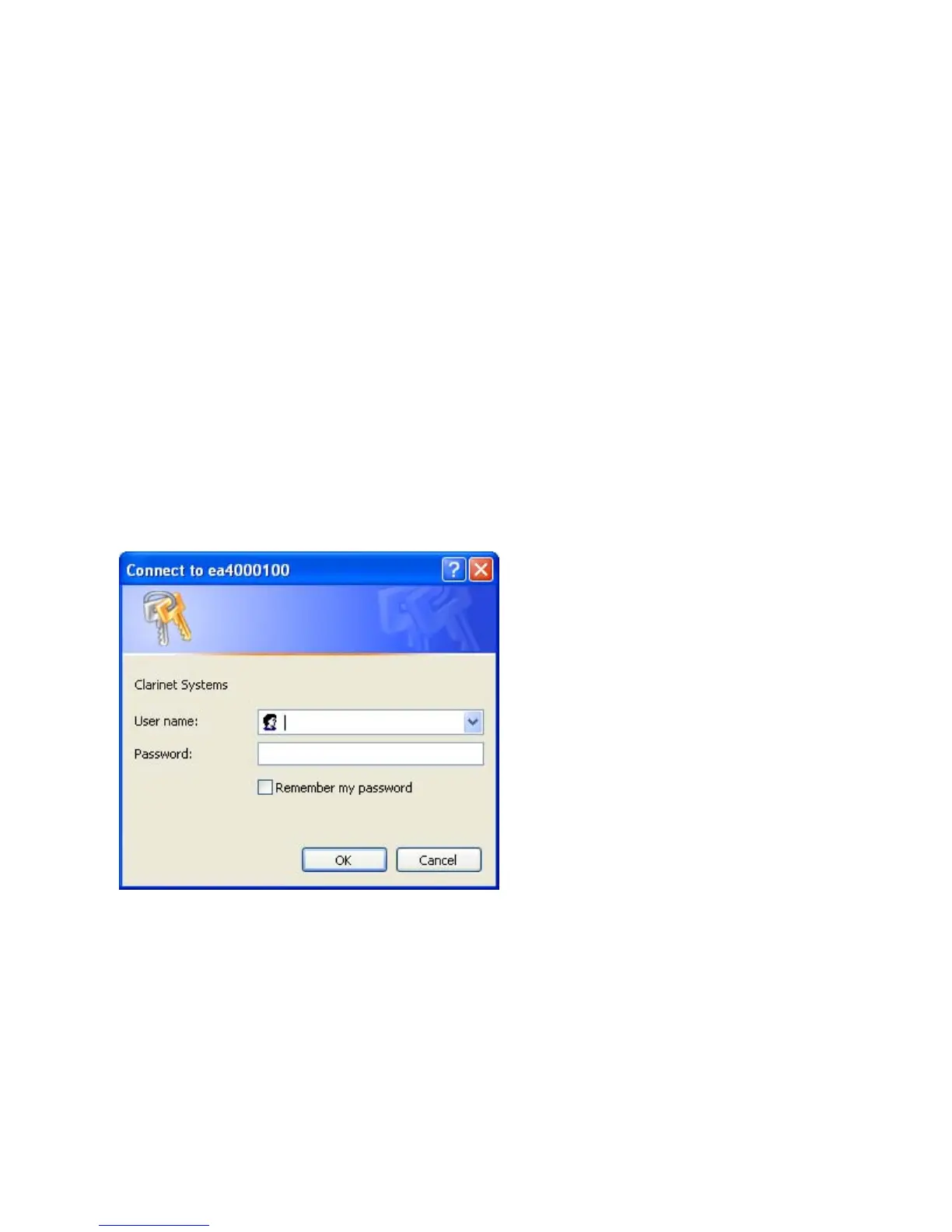
Login Screen will be presented.
The default User name and Password are admin/password. Click “OK” to continue.
Clarinet Systems, Inc //www.clarinetsys.com Page 1



 To Next Page