EtherUSB and EthIR LAN AdminTool User Manual
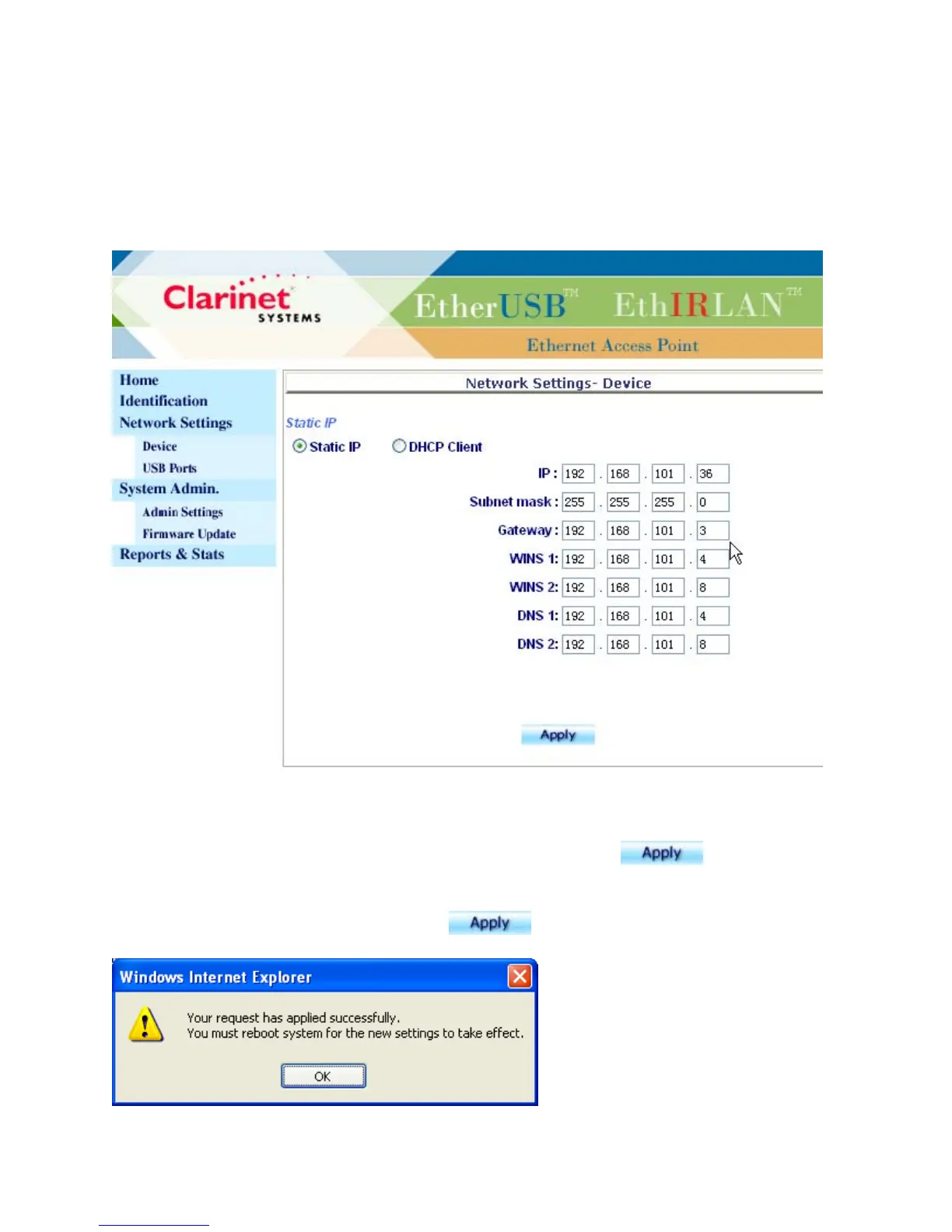
Network Settings - Device
The Network Settings - Device page displays the stored network-related settings for
the device. The user can modify the fields and click on Apply to have the new settings
saved into system. All modifications will take effect only after
and “System
Restart” are selected on the Admin Settings page or the unit is power cycled.
The following box will be prompted once
is clicked.
Clarinet Systems, Inc //www.clarinetsys.com Page 4



 To Next Page