EtherUSB and EthIR LAN AdminTool User Manual
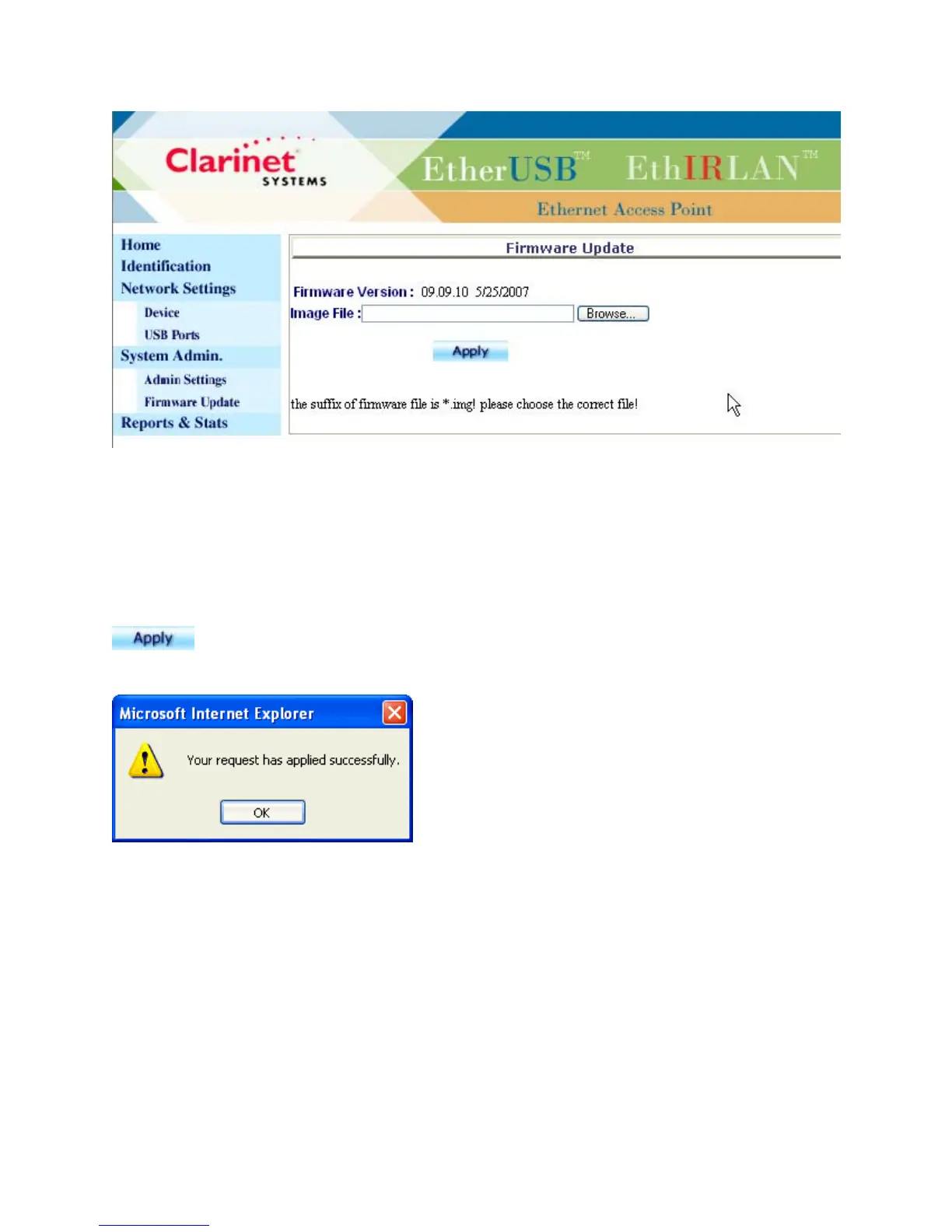
The Firmware Update page allows the user to update the device with updated
firmware. The new firmware will take effect only after “SYSTEM RESTART” on the
Admin Settings page is selected or upon power cycling.
The following box will be prompted once update is complete (~65 seconds after
is clicked), then followed by System Restart which will take another 25
seconds to finish.
Caution: please don’t power cycle or reset the device during Firmware Update.
Reports & Stats
Clarinet Systems, Inc //www.clarinetsys.com Page 7



 To Next Page