12 DVS9755z
• MONO: monaural sound
• STEREO: stereo sound
• 2/1: 2 front channels, surround monaural
• 2/2: 2 front channels, 2 channel surround
sound
• 3/0: sound via the 3 front channels
• 3/1: 3 front channels, surround monaural
sounds
• 3/2: 3 front channels, 2 channel surround
sound
• 3/2 LFE: 3 front channels, 2 surround chan-
nels and sub woofer sound.
●
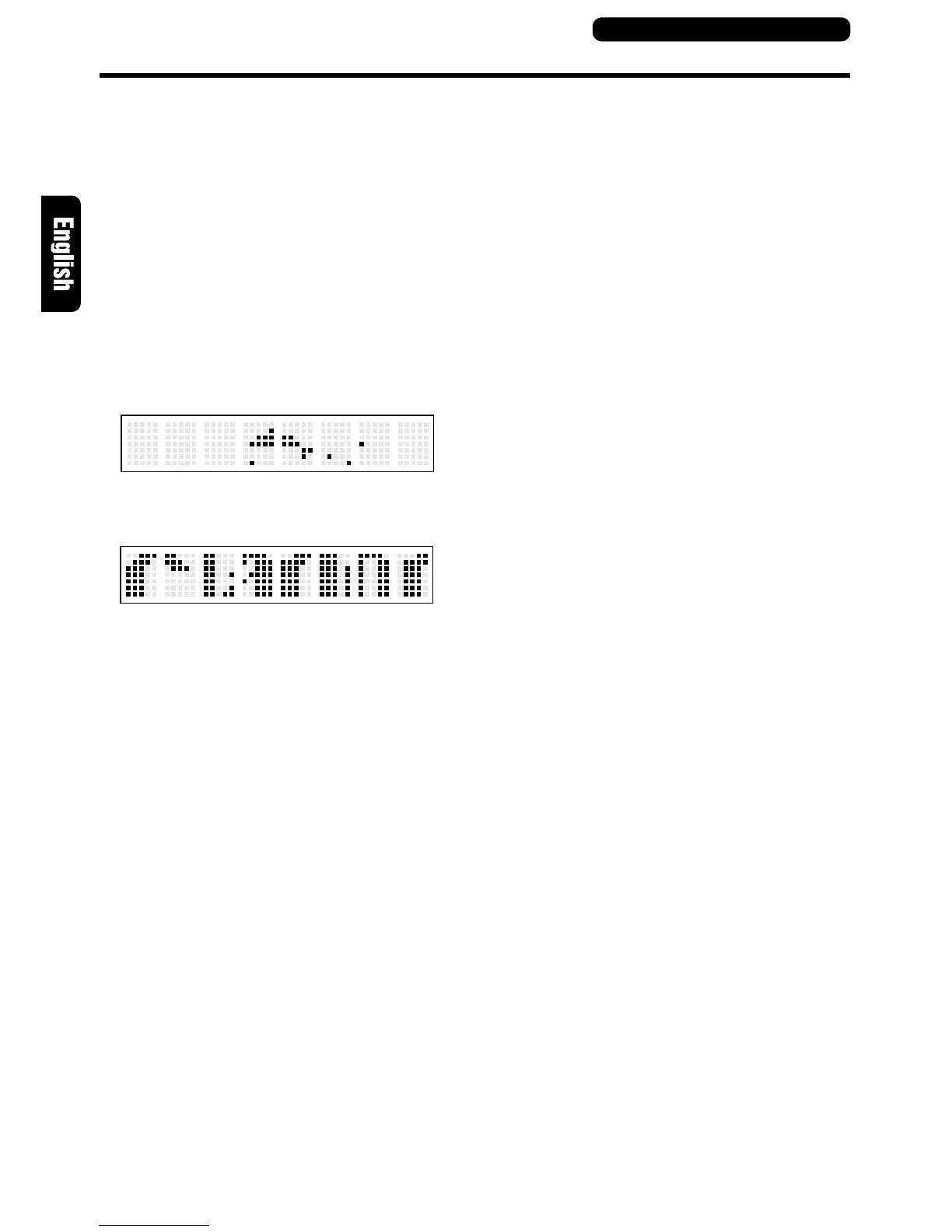
SS1: displays a dolphin.
●
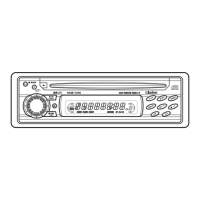
SS2: Displays “CLARION” being
scrolled across the display.
●
DISP OFF: the display is off.
DSF setting
DSF (Digital Sound Field) makes it possible
through sound simulation to enjoy the acoustic
experience you would have in a concert hall or a
live performance hall.
• The initial setting is [DSF OFF].
1. Press the [DSF] button.
Each time the [DSF] button is pressed, the indi-
cations change as shown below.
[DSF OFF] → [HALL] → [CHURCH] → [STA-
DIUM] → [LIVE] → [JAZZCLUB] → [THEATER]
→ [DSF OFF]
• The original mode is resumed when the
button is not pressed during a 7 second
interval.
• HALL(Hall):Large concert hall.
• CHURCH(Church):Church with a vaulted ceil-
ing.
• STADIUM(Stadium):Large stadium without
roof or walls.
• LIVE(Live):Live performance hall, larger than
a jazz club.
Basic Operations
• JAZZCLUB(Jazzclub):Jazz club with a low
ceiling.
• THEATER(Theater):Movie or drama theatre.
2. When the [DSF] button is held down for 2 sec-
onds, the original mode is resumed.
Adjusting the sound volume bal-
ance of each speaker
(AUDIO MODE)
You can adjust the sound image to suit the seat-
ing position and number of passengers.
Press the [A-MODE] button.
Each time the [A-MODE] button is pressed, the
indications change as shown below.
[SW] → [CTR] → [BAL] → [FAD] → original mode
• The original mode is resumed when the
button is not pressed during a 7 second
interval.
●
SW (Sub woofer):
Adjusts sub woofer volume.
The volume is adjusted in the range –6 to
+3.
●
CTR (Center speaker):
Adjusts center speaker volume.
The volume is adjusted in the range –6 to 0.
●
BAL (Balance):
Adjusts the sound volume in the left and right
speakers.
The sound volume is adjusted in the range
L13 to R13.
●
FAD (Fader):
Adjusts the sound volume in the front and
rear speakers.
The sound volume is adjusted in the range
R12 to F12.
Mute
Each time you press the [MUTE] button, mute is
turned on and off.
“MUTE” appears when mute is turned on.
Control unit button operations



 To Next Page