3-10 Pod Symbols and Functions
• Error icon
When error occurs this icon is displayed to
distinguish the condition easily. When the
error message is displayed, this icon is
simultaneously displayed.
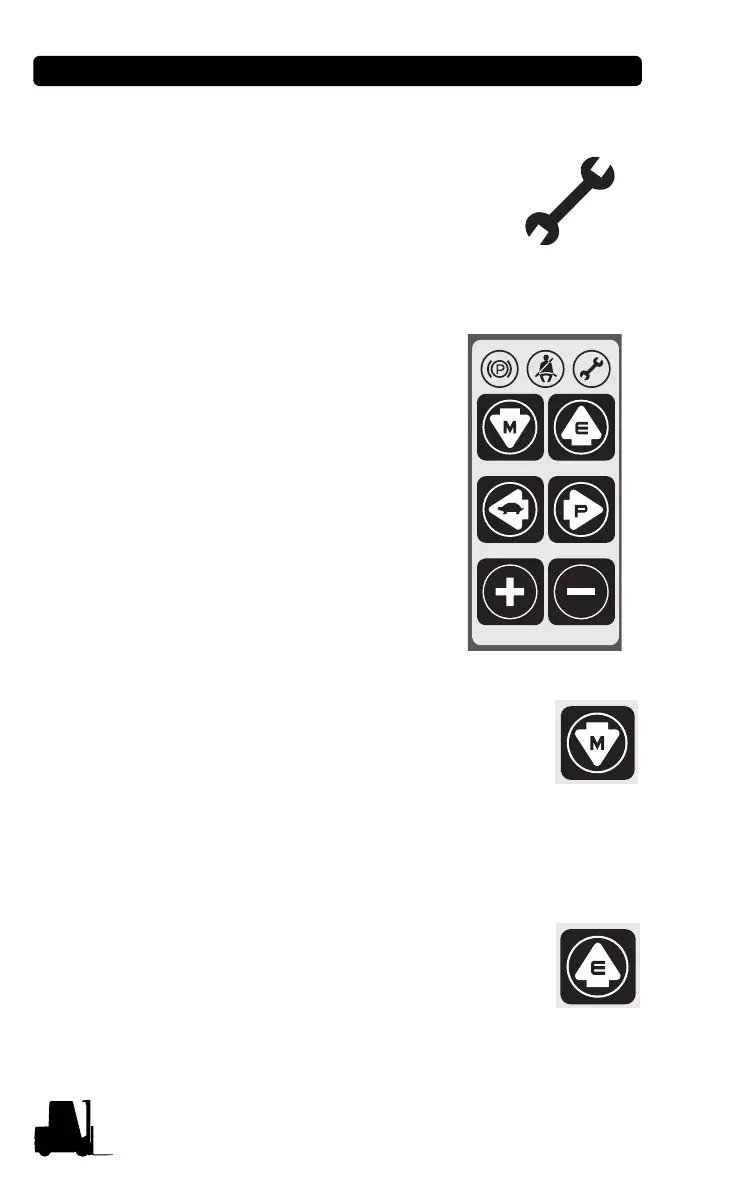
• MODE SELECTION BUTTON
6 mode selection buttons are located
on right side of LCD..
Each button has specific function,
and some have multiple functions.
• Down arrow button (Mode button)
Pressing this button in normal operating
condition, it will move to Menu mode.
Pressing it in Menu mode, it will move to lower
menu.
Pressing it in the lowest mode, there will be no
change.
• Up arrow button (Enter button)
Pressing this button, it will move to upper menu.
It will also take role of "Enter" button when
confirming the changed password or main
parameters.



 To Next Page