EasyManua.ls Logo

Clas Ohlson HP-51BFJP - User Manual

Clas Ohlson HP-51BFJP
32 pages
Print Icon
To Next Page IconTo Next Page
Loading...
EnglishSvenskaNorskSuomiDeutsch
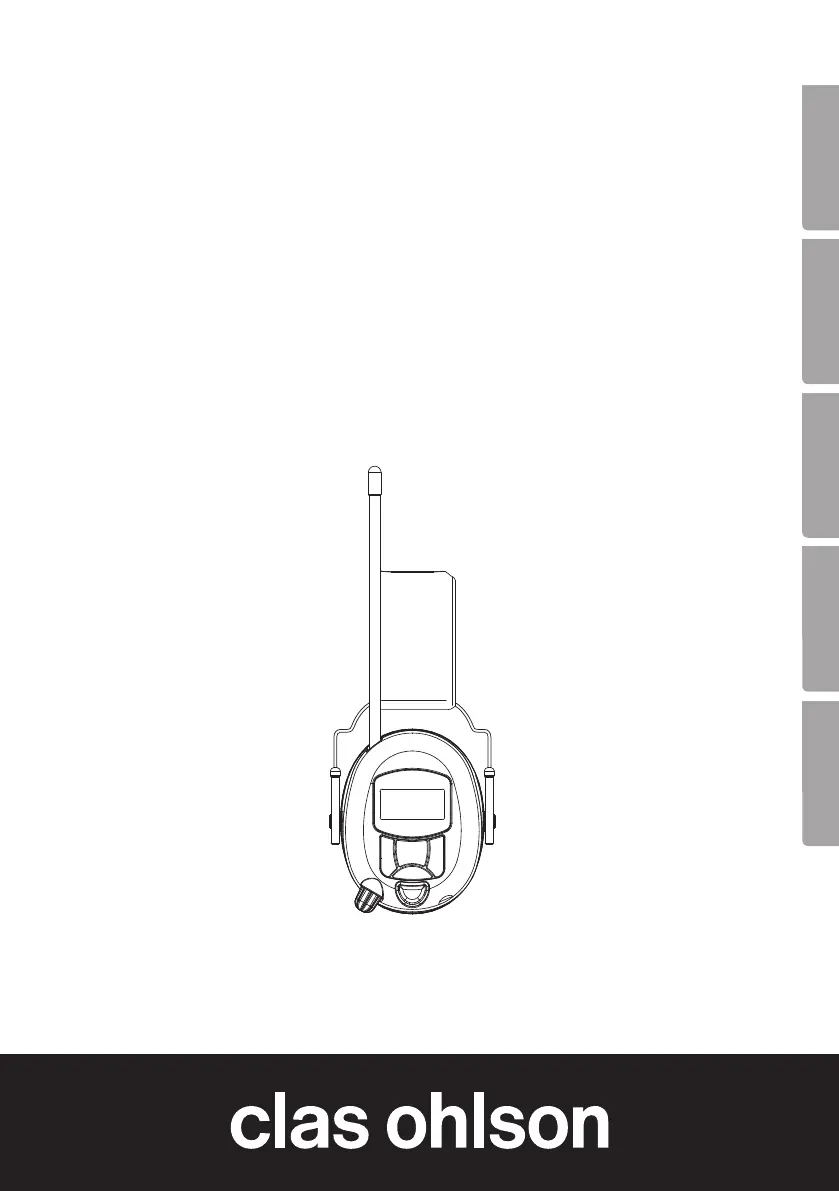
Bluetooth Radio
Ear Defenders
Hörselskydd med radio och Bluetooth
Hørselvern med radio og Bluetooth
Kuulosuojain, jossa radio ja Bluetooth
Gehörschutz mit Radio und Bluetooth
Art.no Model
40-9983-1,-2 HP-51BFJP
Ver. 20160401

Questions and Answers

  • J
    Jason LeeAug 2, 2025
    Why is there no sound coming from my Clas Ohlson HP-51BFJP?
    • A
      anne67Aug 2, 2025
      If your Clas Ohlson Radio has no sound, there might be several reasons. First, check if the volume switch is in the OFF position and turn it clockwise. If you are using an external audio source, ensure it is switched on and playing. Also, verify that the audio cable is fully plugged in. Finally, make sure you have selected the correct mode, either FM (radio) or BT (Bluetooth).
  • J
    justinhughesAug 12, 2025
    What to do if my Clas Ohlson Radio has background noise?
    • E
      Eric SmithAug 12, 2025
      If you are experiencing background noise with your Clas Ohlson Radio, it could be due to a couple of reasons. The radio station might not be tuned in correctly, so try adjusting the frequency. Alternatively, poor signal reception could be the cause, so try changing the batteries.
  • R
    Robin ThomasAug 21, 2025
    How to fix a Clas Ohlson HP-51BFJP when nothing is shown on the display?
    • J
      James KirbyAug 21, 2025
      If nothing is showing on the display of your Clas Ohlson Radio, it could be due to the batteries. First, check if the batteries are inserted incorrectly and, if so, remove and re-insert them correctly. If that doesn't work, the batteries may be flat, and you should change them.

Summary

Safety

General Safety Precautions

Key safety advice for using the ear defenders, including warnings about driving and attention.

Buttons and Functions

Aerial

The antenna for radio reception.

[MODE] Switch

Used to switch between modes and confirm selections.

[▼] Frequency Setting

Lowers frequency or plays the previous track.

[OFF;ON] Power Switch

Controls power and volume.

Microphone

Built-in microphone for calls.

AUX-IN

Connection for external audio sources.

[S;T] FM Radio;Bluetooth Selector

Selects FM radio or Bluetooth mode.

[▲] Frequency Setting

Raises frequency or plays the next track.

Display

Shows current status and information.

Battery Cover

Access point for batteries.

[] PTL (Press To Listen) Selector

Enables listening through microphone without removing ear defenders.

Operating Instructions

Switching Power On;Off

Instructions for turning the device on and off.

Setting the Time

Guide to setting the clock display on the ear defenders.

Listening to the Radio

Steps for tuning into FM stations and saving presets.

Audio Playback and Connectivity

Listening to a Preset Station

How to select pre-saved radio stations.

Volume Control

Adjusting the audio volume.

AUX-IN Connection

Connecting external audio sources via cable.

Bluetooth Playback

Pairing and playing audio from external devices via Bluetooth.

Advanced Features and Maintenance

Telephone via Bluetooth

Answering, rejecting, and managing calls via Bluetooth.

PTL (Press To Listen)

Using the microphone to hear surroundings without removing ear defenders.

Care and Maintenance

Cleaning instructions for the ear defenders.

Troubleshooting Guide

Solutions for common problems with the device.

Product Information

Responsible Disposal

Guidelines for environmentally sound disposal of the product.

Specifications

Technical details and performance data of the ear defenders.

Declaration of Conformity

Compliance with relevant safety and health directives.

Clas Ohlson HP-51BFJP Specifications

General IconGeneral
BrandClas Ohlson
ModelHP-51BFJP
CategoryRadio
TypePortable
Power SourceBattery
Battery TypeAA
Number of Batteries2
Speaker Output0.5W
Headphone JackYes
Weight150g (without batteries)